




Uploading products to Shopify sounds simple until something goes wrong.
A missing image, a pricing mistake, duplicate SKUs, broken variants, or an import file that suddenly throws errors can quickly create a frustrating experience for both store owners and customers.
Over the years, we've worked with Shopify stores ranging from small startups to large ecommerce brands managing thousands of products. One thing remains consistent: product listing mistakes are among the most common reasons for lost sales, inventory confusion, and poor customer experiences.
The good news is that most Shopify listing errors are preventable and relatively easy to fix when you know what to look for.
In this guide, we'll walk through the most common Shopify listing errors, explain why they happen, and show practical ways to correct them before they impact your store performance.
Many store owners focus heavily on advertising, SEO, and social media marketing. However, even the best marketing campaign can fail if product listings contain errors.
Incorrect listings can lead to:
A well-structured product catalog creates a smoother shopping experience and improves operational efficiency behind the scenes.
Variants are one of the most frequent trouble spots in Shopify.
A clothing store uploads a T-shirt with five available sizes but accidentally imports only three sizes through a CSV file.
Customers searching for unavailable sizes leave without purchasing.
A simple quality check can prevent hundreds of lost orders.
SKUs help track products, inventory, fulfillment, and reporting.
Duplicate SKUs often create inventory confusion and reporting inaccuracies.
Many ERP systems and warehouse management tools depend on unique product identifiers.
Create a consistent SKU structure such as:
Run periodic SKU audits, especially after large imports.
Images significantly influence conversion rates.
Unfortunately, image-related errors are common during migrations and bulk uploads.
Before publishing:
Many Shopify stores unknowingly lose conversions because variant images display incorrectly.
Pricing mistakes can be expensive.
We've seen situations where decimal placement errors caused products worth $99.99 to appear as $9.99.
Even a small pricing mistake can impact profit margins significantly.
Inventory accuracy is critical for customer trust.
Many growing ecommerce brands discover inventory issues only after customer complaints begin arriving.
Duplicate listings often appear after migrations or repeated imports.
Clean catalogs improve both user experience and search visibility.
Misplaced products make it harder for customers to find what they need.
A men's jacket accidentally appears inside the women's collection.
A premium product gets assigned to a discount collection.
Accurate categorization improves product discovery and conversion rates.
Many Shopify products are published without proper SEO optimization.
Well-optimized listings help products rank better in search engines.
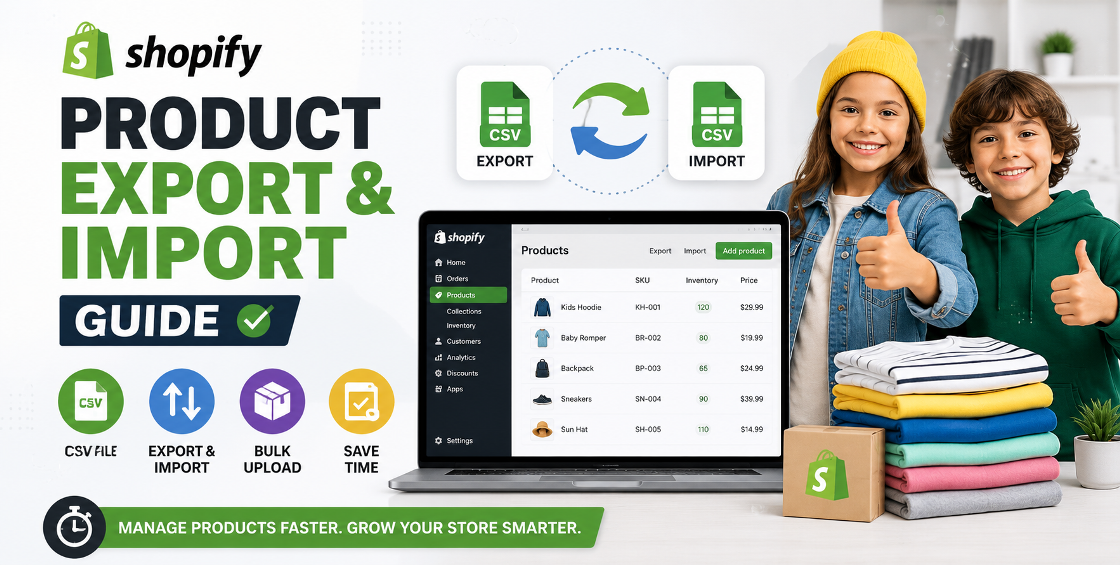
Bulk uploads save time but often introduce unexpected problems.
A store importing 5,000 products accidentally shifts one column during spreadsheet editing. Product prices end up inside inventory fields.
The result is a catalog-wide cleanup project.
Never upload large datasets without a test import.
Product descriptions often suffer during migrations and imports.
Well-formatted descriptions improve both conversions and SEO.
After managing thousands of Shopify product uploads, several patterns consistently emerge:
Never import directly into a live store without testing.
Keep a copy of every import sheet.
Consistent titles, SKUs, tags, and collections reduce future errors.
Even automated systems make mistakes.
Broken tags or attributes often affect storefront filtering without obvious warning signs.
Small checks performed regularly prevent large catalog issues later.
Many Shopify merchants unintentionally create problems by:
These mistakes usually appear minor initially but can become expensive as product catalogs grow.
Shopify is a powerful ecommerce platform, but even well-managed stores can experience listing issues.
The most common Shopify listing errors involve variants, SKUs, inventory, images, pricing, and bulk imports. Fortunately, these problems are largely preventable with proper processes and regular catalog maintenance.
A clean, accurate product catalog not only improves customer experience but also supports better SEO performance, smoother operations, and stronger sales growth.
Investing time in catalog accuracy today can save countless hours of troubleshooting tomorrow.
```



Our Trusted Clients
















Our goal is to help our companies maintain achieve best class positions their respective industries & our team works occur that pleasures have to be repudiated.

Copyright © MyShopifyExpert . All rights reserved.