



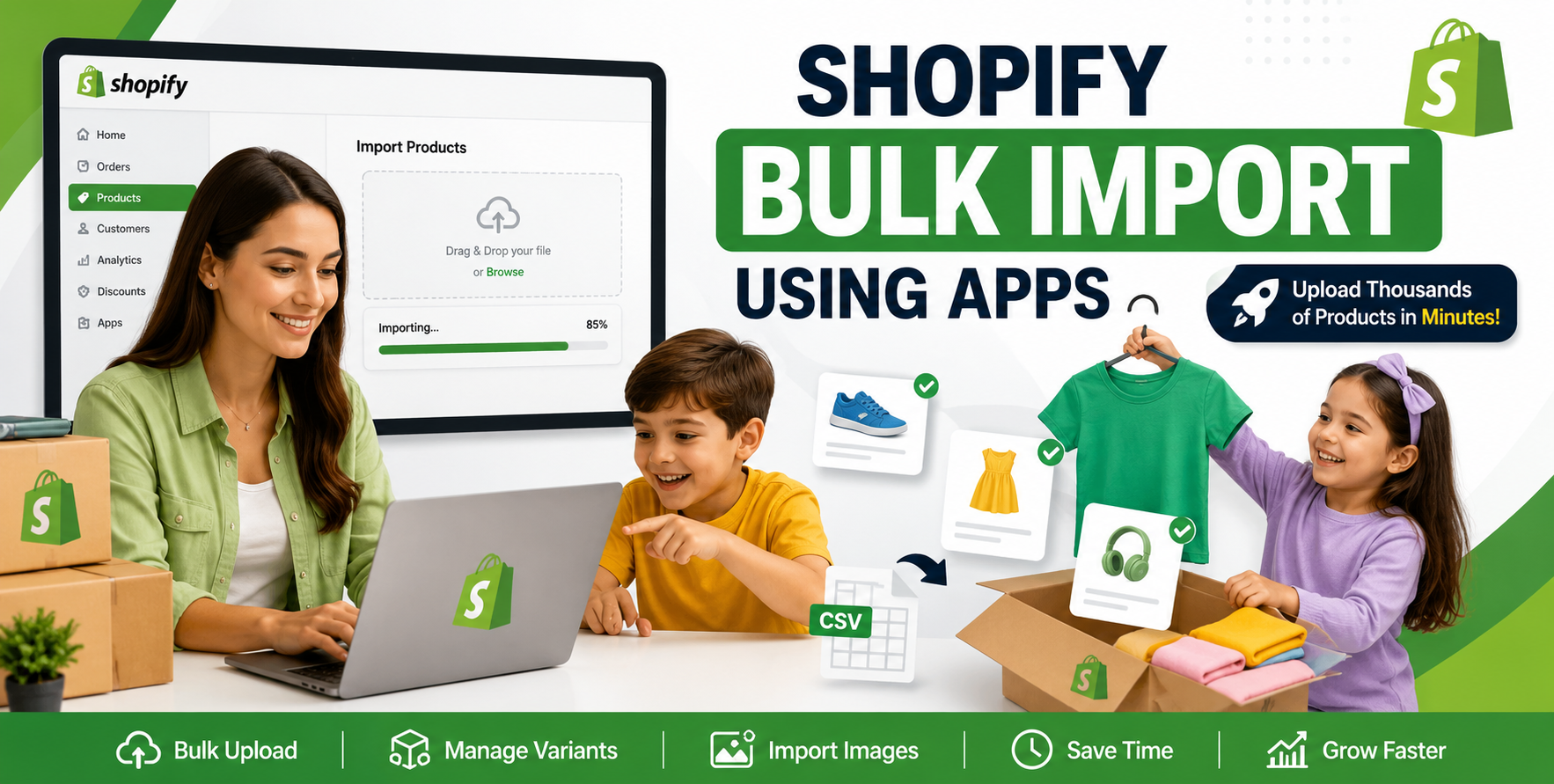
Running an ecommerce store is exciting—until you have hundreds or even thousands of products waiting to be uploaded.
If you've ever tried adding products manually in Shopify, you already know how quickly it becomes a time-consuming task. One small mistake in pricing, inventory, variants, or product images can create hours of cleanup later.
That's why many growing businesses turn to Shopify bulk import using apps instead of relying on manual product entry. Whether you're migrating from WooCommerce, Magento, Amazon, Etsy, BigCommerce, or simply launching a large catalog, the right import app can save countless hours while reducing costly errors.
Having worked on Shopify stores with everything from a few hundred SKUs to catalogs containing tens of thousands of products, we've seen what works—and what causes import headaches. In this guide, we'll walk through the process, highlight common pitfalls, and share practical tips that can make your next bulk upload much smoother.
As your business grows, manual product creation simply doesn't scale.
Bulk imports allow you to:
For businesses managing seasonal collections, supplier feeds, or multiple product categories, bulk imports become an essential part of daily operations.
Shopify includes a native CSV import feature, and it's useful for basic product uploads. However, once your catalog becomes more complex, dedicated import apps provide much more flexibility.
Many Shopify import apps offer features like:
These features become especially valuable when you're importing products from different ecommerce platforms or supplier databases.
Not every store has the same requirements.
Here are a few factors to consider before selecting an import app.
Some suppliers provide CSV files, while others send Excel spreadsheets or XML feeds.
Choose an app that supports the file formats you regularly receive.
Products with multiple sizes, colours, materials, or styles can become complicated quickly.
A reliable import app should correctly map:
Poor variant mapping is one of the most common reasons imports fail.
Uploading images manually after importing products defeats the purpose of automation.
Look for apps that can:
As pricing and inventory change, you'll want an app that updates existing products instead of creating duplicates.
This saves significant cleanup time.
Even the best import app can't fix messy product data.
Before uploading, review your spreadsheet carefully.
Keep titles clear, descriptive, and consistent.
Avoid unnecessary symbols or supplier codes unless they're useful for customers.
Many supplier descriptions are filled with duplicate content.
Rewrite descriptions to:
Unique product descriptions also improve your chances of ranking in search engines.
Plan your collections before importing.
This makes navigation much cleaner and allows customers to find products faster.
Tags help automate collections and improve backend organisation.
Use consistent naming conventions rather than random keywords.
If your import app supports SEO fields, populate:
Doing this during import saves considerable editing later.
Even experienced Shopify store owners occasionally run into issues.
Here are the most common ones we see.
A single misplaced comma, quotation mark, or blank column can cause an import to fail.
Always validate your CSV before uploading.
This usually happens when unique product identifiers aren't mapped correctly.
Using consistent SKUs or product handles helps prevent duplicate listings.
Incorrect option names often create:
Always review a few imported products before uploading your full catalogue.
Broken image URLs are another frequent issue.
Before importing, verify that:
If inventory tracking isn't configured properly, products may appear as out of stock immediately after import.
Double-check inventory settings before publishing products.
After managing hundreds of product imports across different industries, a few best practices consistently save time.
Instead of uploading 5,000 products immediately, import 10–20 products first.
Review:
Fixing small issues early prevents major cleanup later.
Always save the original spreadsheet before making changes.
If something goes wrong, restoring data becomes much easier.
Different suppliers often use different naming conventions.
For example:
Standardising values before import prevents duplicate variants and inconsistent filters.
Changing product handles after launch may affect SEO if redirects aren't managed properly.
Plan URL structures before importing your catalogue.
Many supplier feeds contain:
Cleaning this data before import improves both customer experience and search performance.
Even experienced ecommerce teams occasionally make these mistakes.
Spending an extra hour preparing your data often saves several hours of troubleshooting later.
Many businesses begin by managing imports internally.
However, professional help often becomes worthwhile when:
An experienced Shopify team can often identify issues before they affect your storefront, reducing downtime and improving launch quality.
To strengthen your website's SEO and help visitors discover related services, consider linking this article to:
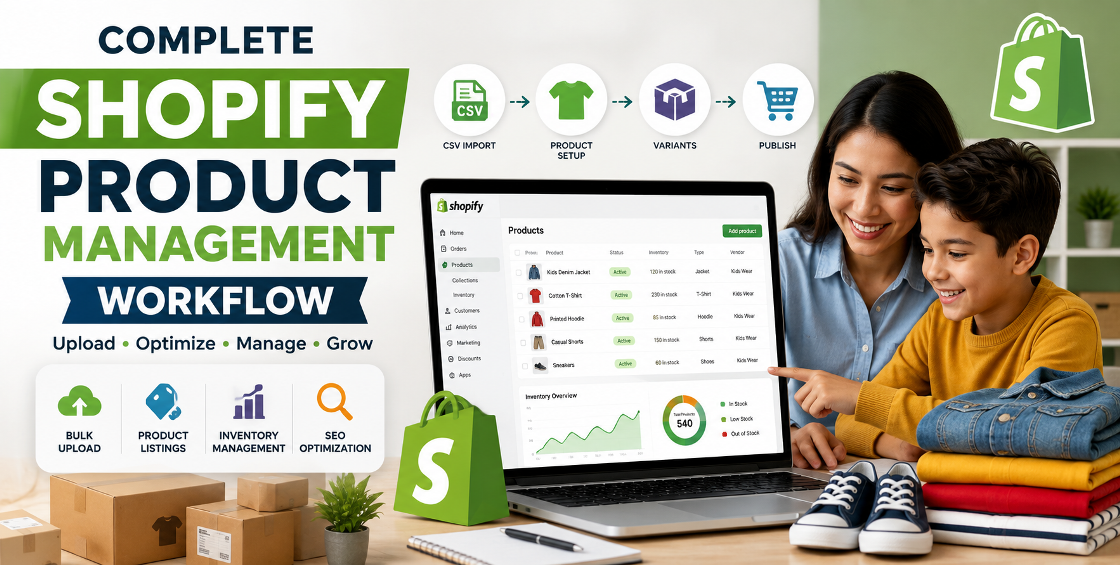
Bulk importing products into Shopify doesn't have to be stressful. With the right app, clean product data, and a well-planned workflow, you can upload thousands of products accurately while avoiding many of the common issues that slow down store launches.
The key isn't just choosing an import tool—it's preparing your data properly, testing before importing, and maintaining consistency across your catalogue. Those small steps make a significant difference to both store management and customer experience.
Whether you're launching a new Shopify store or managing an established ecommerce business, investing time in a reliable bulk import process pays dividends through better accuracy, faster updates, and fewer support issues.
If you're dealing with large product catalogues, complex variants, supplier feeds, or platform migrations, our Shopify specialists can help streamline the entire process. From data cleanup and SEO optimisation to accurate bulk imports and post-upload quality checks, we're here to make your product management easier—so you can focus on growing your business.

Our Trusted Clients
















Our goal is to help our companies maintain achieve best class positions their respective industries & our team works occur that pleasures have to be repudiated.

Copyright © MyShopifyExpert . All rights reserved.