




Managing product data at scale is one of the biggest challenges for growing ecommerce businesses. Adding a handful of products manually is manageable, but what happens when you need to upload hundreds—or even thousands—of SKUs with multiple variants, images, pricing rules, and inventory updates?
This is where the Shopify API for product upload becomes a valuable tool.
Whether you're migrating from another ecommerce platform, integrating with an ERP, syncing products from a PIM system, or automating daily catalog updates, Shopify's API helps eliminate repetitive manual work while improving accuracy.
From our experience working with Shopify stores across the US, UK, Europe, Australia, New Zealand, and Gulf countries, we've seen businesses lose hours troubleshooting duplicate SKUs, broken CSV imports, incorrect variant mapping, and inventory mismatches. Understanding the basics of Shopify's API can help you avoid many of these issues before they impact your store.
In this guide, we'll explain what the Shopify Product API is, how it works, when to use it, and the common mistakes to avoid.
The Shopify API allows external applications, custom software, and integrations to communicate directly with your Shopify store.
Instead of uploading products manually through the Shopify admin or importing CSV files every time your catalog changes, developers can use the API to automatically:
For businesses managing large or frequently changing catalogs, API-based uploads provide a far more scalable workflow than manual imports.
As a store grows, product management becomes increasingly complex.
Common scenarios include:
Stores selling electronics, automotive parts, fashion, furniture, or industrial products often manage thousands of SKUs. Manual updates simply aren't practical.
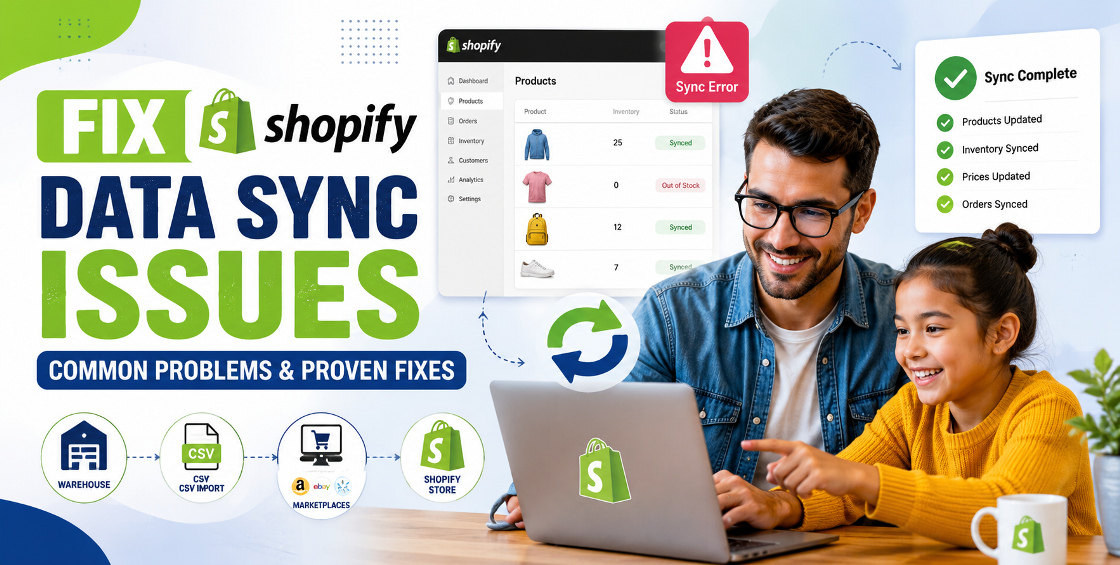
If products are sold on marketplaces like Amazon, eBay, Google Shopping, or retail partner websites, keeping product information synchronized becomes essential.
Many businesses rely on inventory systems such as NetSuite, Microsoft Dynamics, SAP, or custom ERP software. The Shopify API allows these systems to send product updates automatically.
Businesses with fast-moving inventory can update stock quantities several times a day without manual intervention.
Although implementation requires development knowledge, the overall workflow is fairly straightforward.
Your application securely connects to Shopify using API credentials and access tokens.
This ensures only authorized systems can update your store.
Before uploading, organize data consistently.
Typical product information includes:
Clean data significantly reduces upload errors.
Your application sends product information to Shopify using API endpoints.
Depending on the workflow, it can:
This process can be automated on a schedule or triggered whenever data changes in your source system.
Successful API uploads don't end when the request is complete.
Experienced Shopify teams always verify:
Even a successful API response doesn't always guarantee every product displays correctly on the storefront.
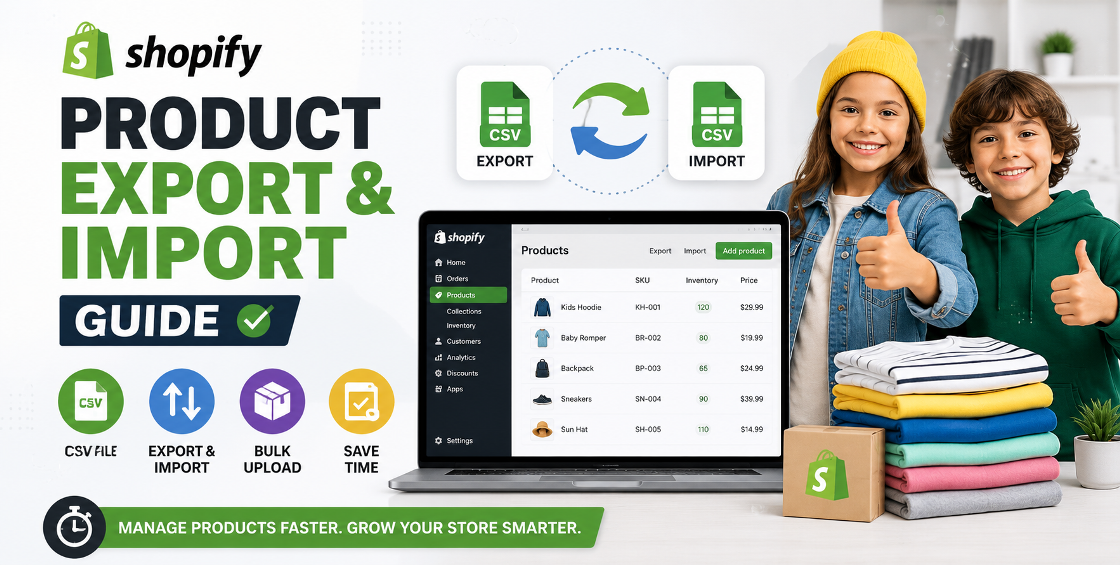
Many merchants ask whether they should use CSV imports or Shopify's API.
The answer depends on your workflow.
For growing businesses, API automation usually saves significant administrative time while reducing human error.
Having worked on numerous Shopify catalog projects, we've seen several recurring issues that aren't obvious until you start working with larger datasets.
One incorrect option value can create duplicate products instead of variants.
For example:
Instead of:
You might accidentally upload:
Shopify treats these as different values, resulting in inconsistent variant groups.
Many integrations fail because duplicate SKU values already exist in the source data.
Cleaning SKU data before uploads prevents future inventory confusion.
API uploads depend on accessible image links.
Common issues include:
Broken image links often leave products without photos.
Sometimes imports appear successful while important information is missing.
Typical omissions include:
A validation step before uploading helps catch these issues early.
After handling large Shopify product catalogs, a few best practices consistently improve results.
Most API errors originate in the source spreadsheet—not Shopify itself.
Checking for empty fields, invalid prices, duplicate handles, and inconsistent SKUs before uploading saves hours of troubleshooting.
Consistent naming conventions make future updates much easier.
Avoid mixing abbreviations, capitalization styles, and inconsistent product titles.
Complicated variant structures increase the chance of upload failures.
Define options clearly before building the integration.
Rather than uploading 20,000 products at once, test with a small sample.
Confirm that:
Once verified, scale up confidently.
Professional integrations maintain upload logs.
These logs make it much easier to identify which products failed and why, especially when working with scheduled or automated imports.
Even experienced teams occasionally run into preventable issues.
Here are the most common ones:
Avoiding these mistakes can dramatically reduce cleanup work later.
To help users continue learning while improving your site's SEO, consider linking this article to relevant service pages such as:
These internal links create a logical content journey and help search engines better understand your site's expertise.
The Shopify API is much more than a developer tool—it's a practical solution for businesses that need reliable, scalable product management.
While CSV imports remain useful for one-time uploads, API-based workflows provide greater flexibility for stores with large catalogs, regular inventory updates, and integrations with external systems.
The key to successful product automation isn't just writing code. It starts with clean data, consistent product structures, thorough testing, and ongoing validation. Businesses that invest in these fundamentals are far less likely to encounter catalog errors, duplicate listings, or inventory inconsistencies as they grow.



Our Trusted Clients
















Our goal is to help our companies maintain achieve best class positions their respective industries & our team works occur that pleasures have to be repudiated.

Copyright © MyShopifyExpert . All rights reserved.