




Running an ecommerce store sounds exciting—until you're updating hundreds or even thousands of products every week.
Whether you're launching new collections, managing seasonal inventory, or syncing products from multiple suppliers, manual product management quickly becomes one of the biggest bottlenecks for growing businesses. One misplaced SKU, a broken image link, or an incorrect variant can create customer frustration, inventory issues, and lost sales.
That's where Shopify automation for product management makes a real difference.
After working with Shopify stores across the US, UK, Europe, Australia, New Zealand, and Gulf markets, we've seen how the right automation strategy helps businesses spend less time fixing product data and more time growing their revenue. From bulk imports and inventory synchronization to automated product updates, Shopify offers powerful ways to simplify day-to-day operations—when they're set up correctly.
In this guide, we'll explain how Shopify automation works, where it delivers the biggest impact, and the common mistakes to avoid.
Every successful ecommerce business eventually reaches a point where manual product updates no longer make sense.
Common challenges include:
Many store owners begin with manual edits inside Shopify Admin. That works for small catalogs but becomes time-consuming once your inventory grows.
We've worked with stores where a single supplier CSV contained over 20,000 products. Even a small formatting issue—such as extra spaces in handles or duplicate variant SKUs—can trigger import errors that take hours to fix.
Automation reduces those repetitive tasks while improving consistency.
Shopify automation for product management refers to using workflows, bulk operations, apps, integrations, and structured data processes to handle repetitive catalog tasks with minimal manual effort.
Instead of editing products individually, automation can help you:
The goal isn't to remove human oversight—it's to eliminate repetitive work while reducing costly mistakes.
Uploading products one by one isn't practical for growing businesses.
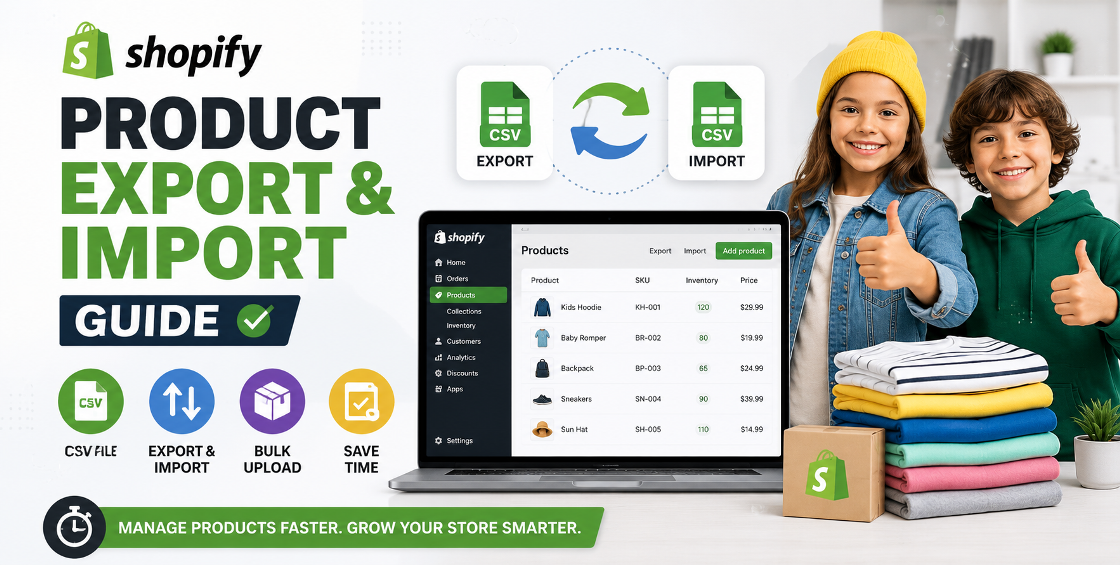
A properly structured CSV allows you to upload hundreds or thousands of products at once, including:
The challenge is that Shopify CSV formatting must be precise. Small issues like duplicate handles, incorrect option values, or invalid image URLs often cause failed imports.
A clean import process prevents unnecessary rework.
Inventory accuracy directly affects customer trust.
Automation can sync stock levels between:
Instead of manually updating inventory several times a day, stock changes happen automatically, reducing overselling and stock discrepancies.
Product tags power many Shopify workflows.
Automation can assign tags based on:
This keeps product organization consistent without ongoing manual effort.
Products with multiple sizes, colours, materials, or configurations become difficult to manage manually.
Automation helps maintain:
We've seen stores accidentally duplicate variants during imports because option names weren't standardised. A simple automation workflow can prevent these issues before products go live.
Launching hundreds of new products no longer requires days of manual uploads.
Well-prepared automation workflows allow large catalogs to go live much faster while maintaining data consistency.
Manual editing increases the risk of mistakes such as:
Automation reduces repetitive data entry, making your catalog more reliable.
Accurate product information improves:
Customers are more likely to convert when product pages are complete and consistent.
Whether your store has 500 products or 100,000, automation helps your operations grow without requiring proportional increases in manual work.
Not every automation needs to be complex.
Some of the most effective workflows include:
These workflows save hours every week while keeping the catalog organised.
After handling thousands of Shopify product uploads, we've noticed a few patterns that consistently affect store performance.
These small operational habits often prevent hours of troubleshooting later.
Even experienced Shopify store owners can run into preventable issues.
Always export your existing products before major updates.
Incorrect option formatting can create duplicate or missing variants.
Messy image naming makes future updates much harder.
Invalid URLs, missing handles, and duplicate records often cause failed imports.
Automation should simplify operations—not remove quality control. Important catalog changes still benefit from a final review before publishing.
Automation is powerful, but setting it up correctly requires planning.
Professional support becomes especially valuable when:
A properly structured product management process doesn't just save time—it creates a more reliable shopping experience for your customers.
As your ecommerce business grows, product management becomes one of the most important operational systems behind your store.
The businesses that scale efficiently aren't necessarily working harder—they're building smarter processes.
By using Shopify automation for product management, you can reduce repetitive tasks, improve catalog accuracy, minimise costly errors, and free your team to focus on marketing, customer experience, and growth.
Whether you're managing hundreds or thousands of products, investing in automation today can save countless hours over the life of your store.




Our Trusted Clients
















Our goal is to help our companies maintain achieve best class positions their respective industries & our team works occur that pleasures have to be repudiated.

Copyright © MyShopifyExpert . All rights reserved.