



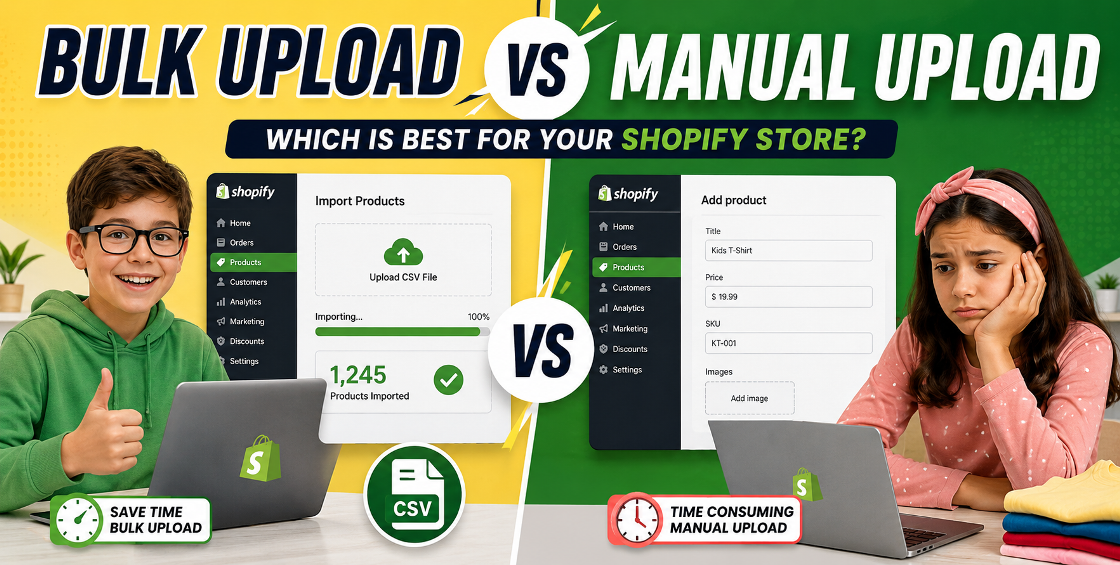
If you've ever tried uploading hundreds—or even thousands—of products into Shopify, you already know how quickly a simple task can become a major time drain.
Many ecommerce store owners start by adding products manually. It works when you're launching with 10 or 20 products. But once your catalog grows, manual uploads can eat up hours of valuable business time and increase the risk of costly mistakes.
On the other hand, Shopify's bulk upload capabilities can dramatically speed up product management, especially for stores handling large inventories, multiple variants, seasonal collections, or supplier catalogs.
So which approach is better?
The answer depends on your product volume, business stage, and operational goals.
In this guide, we'll compare Shopify bulk upload vs manual upload based on real-world store management experience, helping you choose the most efficient method for your business.
Before comparing the pros and cons, it's important to understand how each method works.
Manual upload means adding products individually through the Shopify admin dashboard.
For each product, you enter:
This process is straightforward but becomes increasingly time-consuming as your catalog grows.
Bulk uploading allows merchants to import multiple products simultaneously using CSV files or data migration tools.
Instead of entering products one by one, you prepare product information in a spreadsheet and upload hundreds or thousands of products at once.
This method is commonly used for:
If you're launching a new Shopify store with fewer than 20 products, manual entry may actually be faster than preparing a CSV file.
For boutique stores, custom-made products, or luxury brands with highly detailed descriptions, manual uploads provide greater control.
Best for:
Some products need unique storytelling, detailed specifications, and carefully crafted SEO content.
Manual uploads allow store owners to focus on every detail without relying on spreadsheet imports.
This is particularly useful for:
After managing Shopify stores with hundreds of SKUs, one pattern appears repeatedly:
Uploading just one complete product can take anywhere from 5 to 15 minutes.
Most ecommerce businesses simply can't afford that level of manual effort.
Manual entry often creates inconsistencies such as:
These issues can negatively affect customer experience and inventory management.
As stores expand, maintaining products manually becomes nearly impossible.
This challenge becomes even greater when dealing with:
A properly structured CSV file can upload hundreds or thousands of products within minutes.
What might take days manually can often be completed in under an hour.
This efficiency allows store owners to focus on:
Instead of repetitive data entry.
Bulk uploads ensure standardized information across your catalog.
This helps maintain consistency in:
Consistency improves both store organization and customer experience.
Variants are one of the biggest challenges in Shopify.
Imagine uploading:
That's 4,000 variant combinations.
Managing these manually becomes extremely difficult.
With Shopify CSV imports, variants can be organized and uploaded efficiently through structured spreadsheets.
A single misplaced column can trigger import failures.
Common problems include:
We've seen stores spend hours troubleshooting what turned out to be one missing field in a spreadsheet.
Images are often one of the most problematic parts of bulk imports.
Proper image preparation is critical before importing.
Supplier files rarely arrive in Shopify-ready format.
Many require:
This preparation stage is often overlooked but has a major impact on import success.
Never upload thousands of products immediately.
Only then proceed with the full upload.
A centralized product database simplifies future updates.
This becomes invaluable as your catalog grows.
Consistent product naming improves:
Many merchants rush uploads without checking spreadsheet accuracy.
Even small mistakes can create hundreds of incorrect listings.
Poorly configured variants often lead to:
A large percentage of imported catalogs miss:
This can limit organic search visibility from day one.
Before performing large imports or updates, always export your current catalog.
Backups provide protection if anything goes wrong.
| Factor | Manual Upload | Bulk Upload |
|---|---|---|
| Speed | Slow | Very Fast |
| Best for Large Catalogs | No | Yes |
| Variant Management | Difficult | Efficient |
| Error Risk | High | Lower with Proper Setup |
| Scalability | Limited | Excellent |
For most growing ecommerce businesses, bulk uploading quickly becomes the smarter long-term solution.
Both manual uploads and bulk uploads have a place in Shopify store management.
Manual uploads provide precision for small catalogs and highly customized products. Bulk uploads offer speed, consistency, and scalability for growing ecommerce operations.
The key is choosing the method that aligns with your catalog size and business goals.
Many successful Shopify merchants actually use both—manual uploads for premium products and bulk imports for larger inventory management.
As your store grows, investing in a structured bulk upload process can save countless hours while reducing costly product data errors.
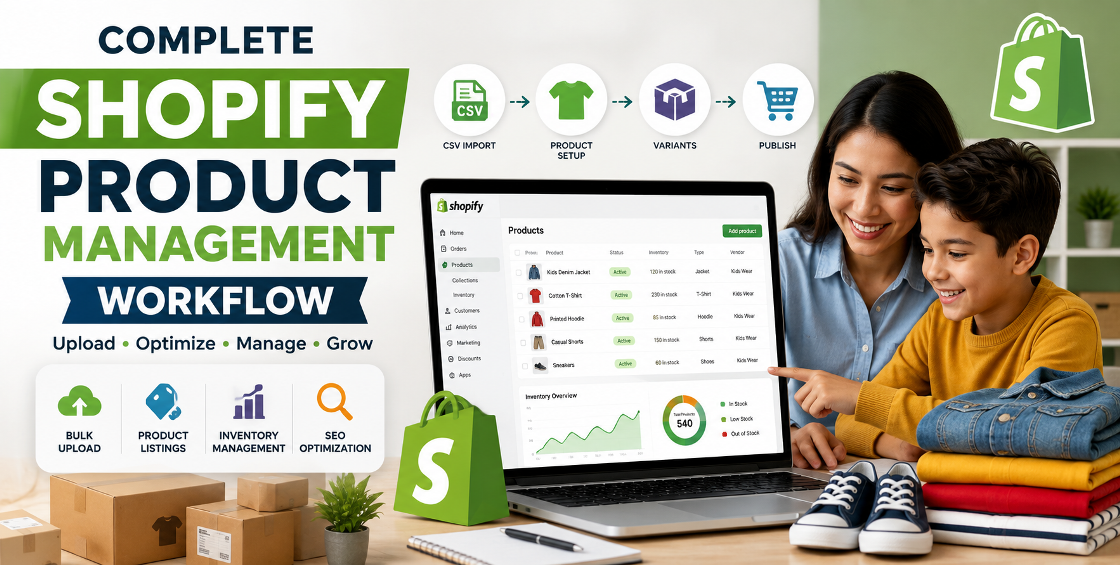

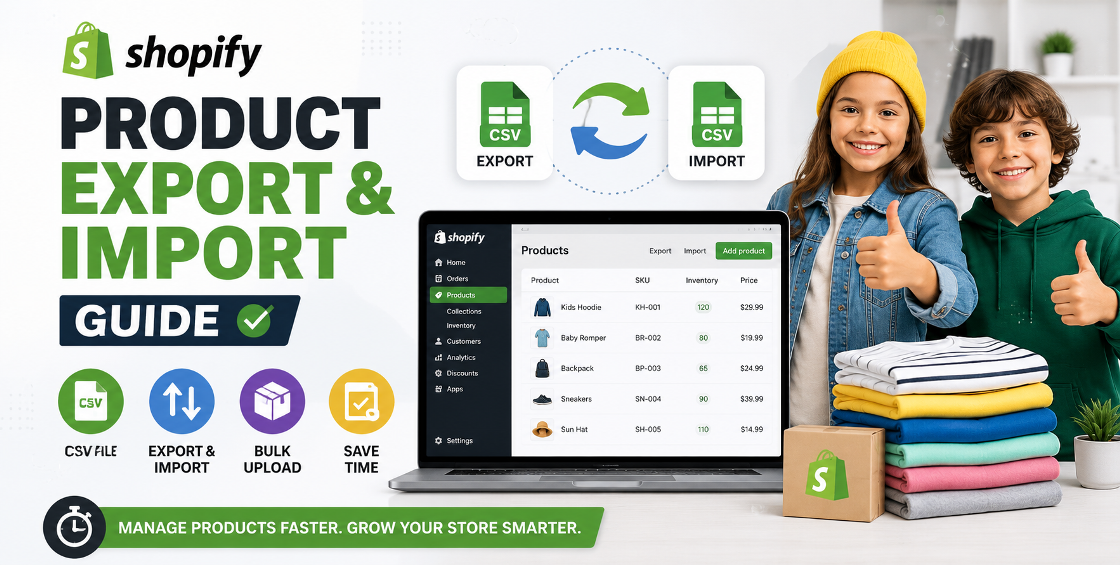


Our Trusted Clients
















Our goal is to help our companies maintain achieve best class positions their respective industries & our team works occur that pleasures have to be repudiated.

Copyright © MyShopifyExpert . All rights reserved.