



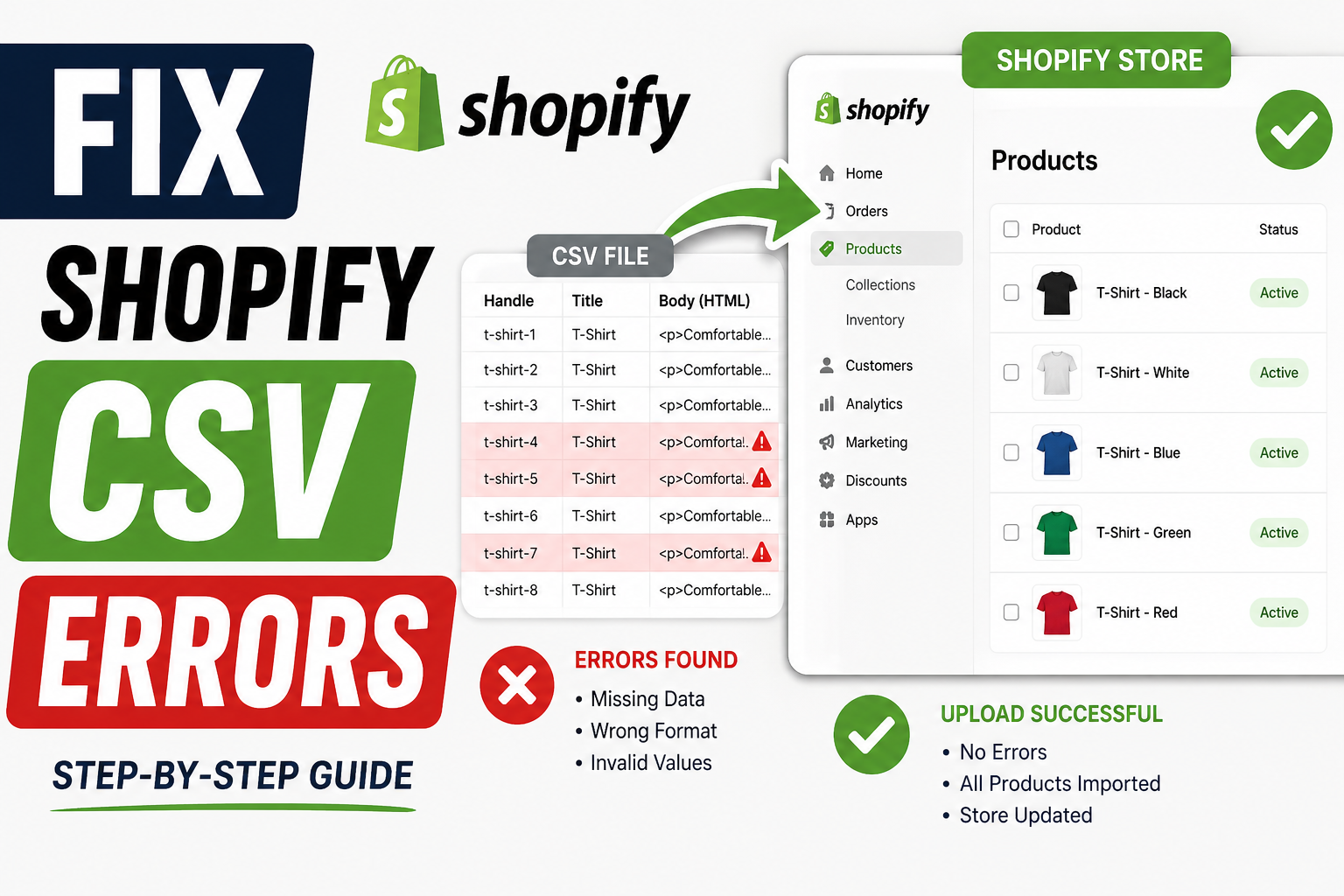
If you've ever tried uploading products to Shopify using a CSV file, you already know — it rarely goes smoothly the first time.
From broken variants to missing images and strange formatting issues, even a small mistake in your CSV can disrupt your entire product catalog. For growing ecommerce stores, this isn’t just frustrating — it can directly impact sales and customer experience.
The good news? Most Shopify CSV upload errors are fixable — once you understand what’s actually going wrong.
Shopify’s CSV system is powerful, but it’s also strict. Even minor inconsistencies can cause errors during import.
Here are some of the most common reasons:
Shopify requires very specific column names and structure. A small mismatch — like “Product Name” instead of “Title” — can break the upload.
Handling sizes, colors, and pricing variations can quickly become messy if not structured correctly.
Broken or inaccessible image URLs often lead to missing product images after upload.
Special characters, symbols, or formatting issues can cause the file to fail during import.
Let’s walk through a practical approach that actually works.
Start with Shopify’s default CSV template instead of creating one from scratch.
Before importing, double-check:
👉 One small error can affect multiple products.
Variants are one of the biggest troublemakers.
Make sure:
If images don’t appear after upload, check:
Instead of uploading 1,000 products at once:
👉 Start with 5–10 products
👉 Fix errors
👉 Then scale
This saves hours of rework.
In real-world ecommerce projects, CSV issues usually don’t come from “big mistakes” — they come from small inconsistencies repeated across hundreds of products.
We’ve seen stores struggle with:
The solution isn’t just fixing one error — it’s creating a clean, repeatable structure.
Here’s what most store owners get wrong:
❌ Editing CSV files manually without validation
❌ Mixing multiple formats in one file
❌ Ignoring variant hierarchy
❌ Uploading large files without testing
❌ Using broken image links
Avoiding these alone can save hours of frustration.
If you're dealing with large catalogs, manual CSV handling becomes risky.
Tools like Matrixify can help with:
👉 Especially useful for stores with 500+ products.
👉 From this blog, link to:
This improves SEO and helps convert readers into leads.
Shopify CSV upload errors can feel overwhelming — but they’re usually fixable with the right approach.
The key is:
Once you get these right, managing even large product catalogs becomes much easier.
If you're dealing with frequent CSV errors or managing a growing Shopify catalog, having the right backend support can save hours of work and prevent costly mistakes.

Our Trusted Clients
















Our goal is to help our companies maintain achieve best class positions their respective industries & our team works occur that pleasures have to be repudiated.

Copyright © MyShopifyExpert . All rights reserved.