




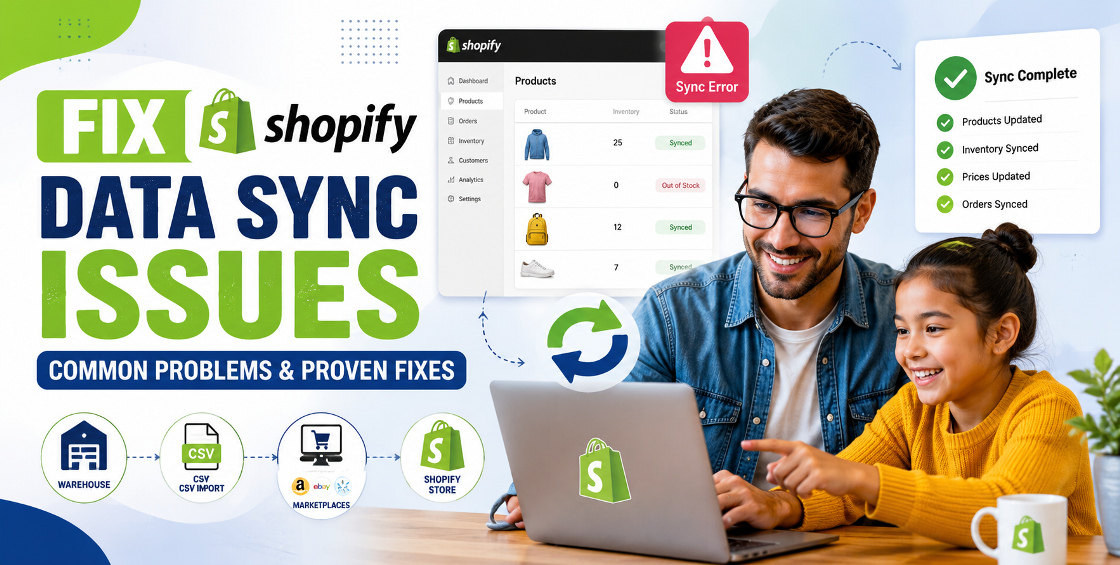
Running an ecommerce business today rarely means selling through just one channel. Many Shopify store owners also list products on marketplaces like Amazon, eBay, Etsy, Walmart, Google Shopping, Facebook, Instagram, or even operate multiple Shopify stores for different regions.
While expanding sales channels creates more opportunities, it also introduces one of the biggest operational challenges—keeping inventory accurate everywhere.
If you've ever sold the last unit of a product on Amazon only to discover Shopify still showed it as available, you already know how expensive inventory mistakes can be. Overselling leads to canceled orders, frustrated customers, negative reviews, and unnecessary support requests.
From our experience managing Shopify stores with thousands of SKUs, inventory sync issues often start small. A delayed update, an incorrect SKU mapping, or a failed CSV import can quietly snowball into larger problems.
The good news is that with the right setup, Shopify inventory sync across platforms can become reliable, automated, and scalable—saving hours of manual work while protecting your customer experience.
Inventory is the foundation of every ecommerce operation.
When stock levels remain accurate across every sales channel, businesses benefit from:
Without proper synchronization, staff often spend valuable time fixing avoidable inventory issues instead of growing the business.
Many businesses accidentally create duplicate products while importing catalogs through CSV files or third-party apps.
Duplicate SKUs often confuse inventory systems, resulting in stock updating on one listing but not another.
One of the most common backend issues we encounter is inconsistent SKU formatting.
Examples include:
Although they look similar, many inventory systems treat them as different products.
Consistent SKU management is critical before enabling automated synchronization.
Not every integration updates inventory in real time.
Some systems synchronize every:
For businesses processing hundreds of daily orders, even a short delay can create overselling problems.
Businesses often store inventory across:
Without proper location mapping inside Shopify, available inventory quickly becomes inaccurate.
The most reliable approach is using Shopify as the primary inventory source.
Instead of updating stock separately on every marketplace, inventory changes occur in Shopify and automatically sync outward.
This creates one central source of truth for stock levels.
Modern inventory systems communicate through APIs.
When an order is placed:
This process reduces manual intervention while improving accuracy.
Real-time synchronization is ideal for:
Scheduled synchronization may work well for businesses with slower inventory movement and fewer daily orders.
Every product should have one unique SKU.
Avoid:
Even a small inconsistency can interrupt synchronization.
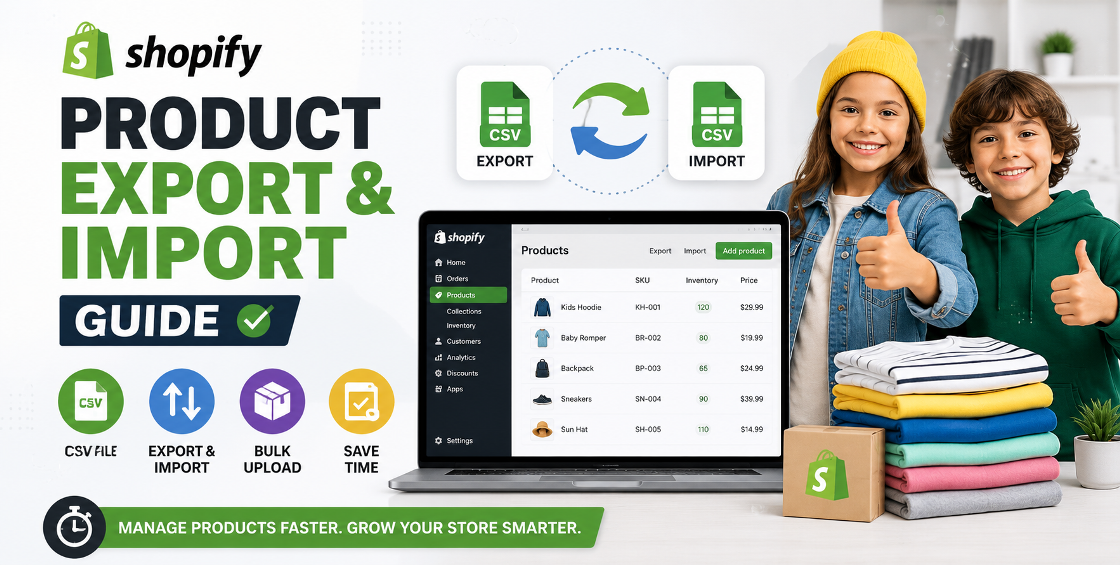
CSV imports remain one of the fastest ways to upload products, but they can also introduce inventory problems.
Before importing:
Spending 15 minutes reviewing a CSV often saves hours of troubleshooting later.
Most integration platforms generate sync logs.
Don't ignore them.
Common messages include:
Checking logs regularly helps identify issues before customers notice.
Variant-heavy stores require extra attention.
For example, a T-shirt may have:
That's 40 inventory records for one product.
Each variant requires:
Incorrect variant mapping is one of the leading causes of inventory discrepancies.
Businesses selling across the United States, United Kingdom, Europe, Australia, New Zealand, and Gulf countries often operate multiple storefronts.
Regional fulfillment centers may hold different inventory quantities.
Proper location-based inventory prevents customers from purchasing unavailable products.
Inventory should remain consistent regardless of currency.
Pricing changes don't affect stock, but product IDs and SKUs must stay aligned across all stores.
Some products are available only in selected countries.
Inventory rules should reflect those regional restrictions to avoid fulfillment issues.
After working with large product catalogs, we've noticed several recurring patterns that aren't obvious until you've spent time inside the Shopify admin.
One example is bulk product uploads. A CSV may import successfully while silently skipping inventory updates because a required column is missing or a variant ID no longer matches. Everything appears correct until customers begin placing orders.
Another common scenario involves discontinued products. Many merchants archive products instead of removing them entirely. If those archived items remain connected to third-party apps, they can trigger unnecessary sync errors that clutter system logs and slow troubleshooting.
We've also seen stores rely on manual inventory adjustments after promotional campaigns. While it works temporarily, those manual edits often conflict with automated integrations, creating mismatched stock levels across channels.
The lesson is simple: automation works best when product data stays clean, organized, and standardized.
Updating stock individually across multiple marketplaces is time-consuming and increases the risk of human error.
Automation is more reliable and scalable.
Businesses using multiple fulfillment locations should verify that inventory is assigned correctly inside Shopify.
Incorrect location settings frequently lead to inaccurate available stock.
Changing SKUs between sales channels breaks inventory synchronization.
Always maintain one SKU per product variant.
Even automated systems benefit from regular reviews.
Monthly inventory audits help identify discrepancies before they affect customers.
The best solution depends on your business model.
A small Shopify store selling only through its website may only need Shopify's built-in inventory management.
A growing brand selling through Amazon, Etsy, eBay, social commerce, and wholesale channels usually benefits from automated inventory synchronization backed by reliable integrations and periodic audits.
The goal isn't simply connecting platforms—it's creating a dependable workflow that scales as your business grows.
Selling across multiple channels is one of the smartest ways to grow an ecommerce business, but growth becomes difficult when inventory isn't accurate.
By standardizing SKUs, cleaning product data before imports, monitoring sync logs, and using Shopify as your central inventory hub, you can dramatically reduce stock discrepancies and improve operational efficiency.
A reliable inventory synchronization process doesn't just prevent overselling—it builds customer trust, streamlines fulfillment, and gives your team more time to focus on growth instead of fixing inventory problems.
If your team is spending too much time fixing stock discrepancies, troubleshooting CSV imports, or managing products across several marketplaces, we're happy to help. From bulk product uploads and variant management to ongoing Shopify store maintenance, we focus on building clean, scalable inventory workflows that support long-term ecommerce growth.



Our Trusted Clients
















Our goal is to help our companies maintain achieve best class positions their respective industries & our team works occur that pleasures have to be repudiated.

Copyright © MyShopifyExpert . All rights reserved.