



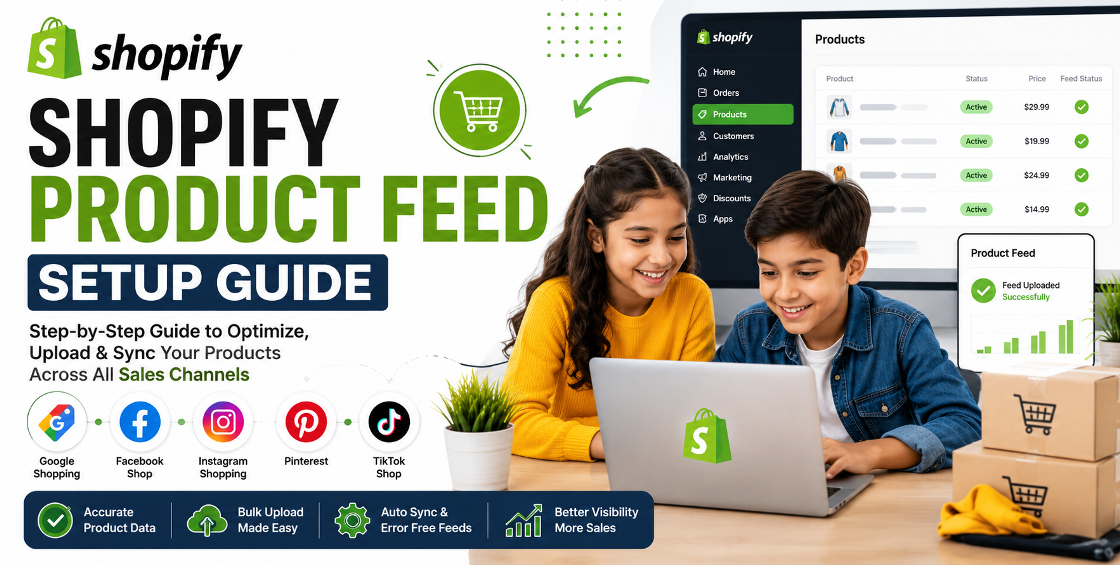
Running a Shopify store is only half the battle. The real challenge is getting your products in front of the right customers across Google Shopping, Facebook, Instagram, Pinterest, TikTok, and marketplaces. That's exactly where a well-structured product feed makes a difference.
Many store owners assume their Shopify products automatically appear correctly everywhere. In reality, we've worked with stores where missing GTINs, incorrect variants, broken image URLs, and incomplete product data caused hundreds—even thousands—of products to be disapproved or underperform.
The good news? Most of these problems are preventable with the right product feed setup.
In this Shopify Product Feed Setup Guide, we'll walk through the process, explain common mistakes, and share practical insights from managing Shopify stores with everything from a few dozen products to large catalogs with tens of thousands of SKUs.
Your product feed is the data file that platforms use to understand and display your products.
It includes information such as:
Every advertising channel relies on accurate product data. If your feed contains errors, products may not appear in search results or shopping ads, reducing both visibility and sales.
Before connecting Shopify to any marketing channel, review your catalog.
Pay attention to:
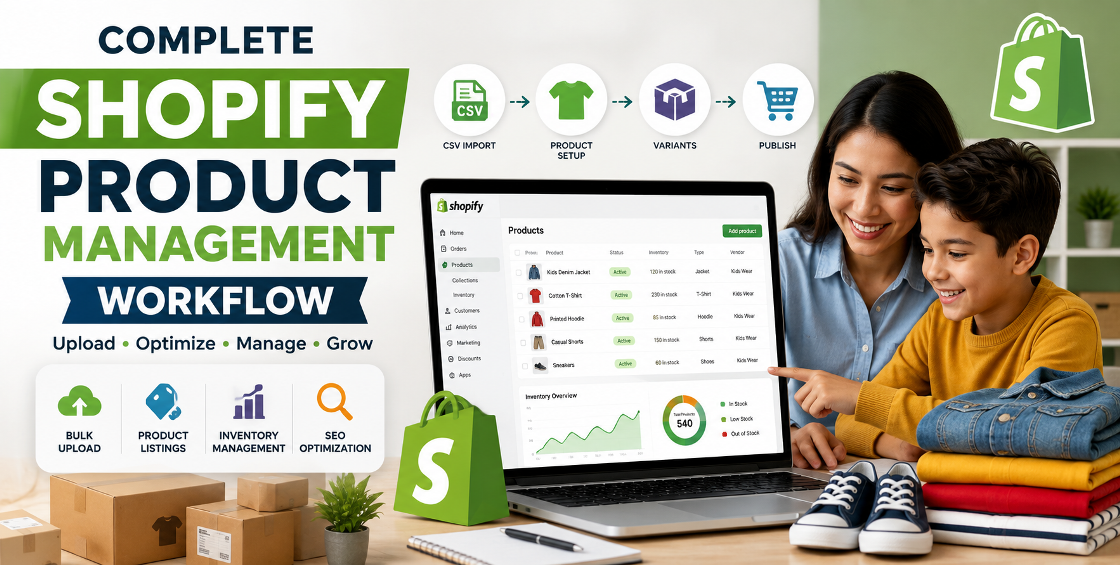
One issue we frequently encounter during product uploads is merchants importing products through CSV files without standardising categories. Months later, advertising platforms struggle to understand the catalog structure.
A clean catalog creates a clean feed.
Avoid titles like:
Blue Shirt
Instead, use descriptive titles such as:
Men's Slim Fit Blue Oxford Shirt – Long Sleeve Cotton
Good titles naturally include:
Remember that Google Shopping reads product titles differently than customers browsing your website.
Incomplete product data is one of the biggest reasons for feed warnings.
Important attributes include:
Even if some attributes are optional, completing them often improves product matching across advertising platforms.
Variants deserve extra attention.
Typical issues include:
We've seen bulk CSV imports where every size shared the same barcode, creating validation errors that were difficult to trace later.
Always verify:
Images directly affect click-through rates.
Recommended practices include:
Many merchants focus on product descriptions while overlooking image quality, even though visuals often influence the first click.
Nothing frustrates shoppers more than seeing a product advertised at one price and landing on another.
Accurate feeds should automatically update:
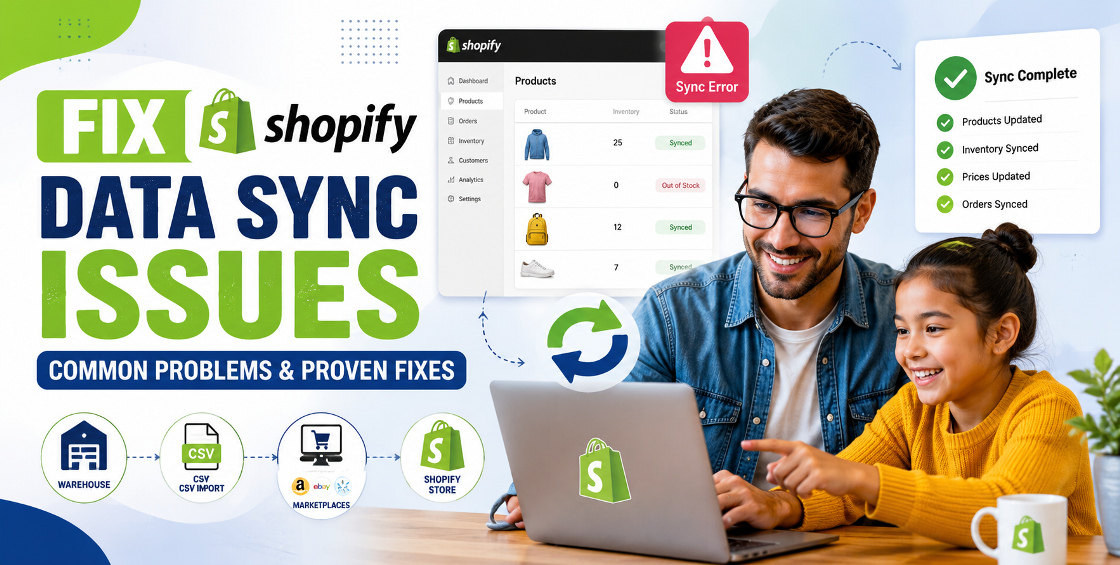
Automated syncing reduces manual work and helps avoid product disapprovals.
Never assume your feed is perfect.
Check for:
Even experienced Shopify merchants occasionally overlook small issues that affect hundreds of products.
A technically correct feed isn't always an effective one.
Improve performance by:
Include natural search terms customers actually use.
Avoid copying manufacturer descriptions across your catalog.
Correct categorisation improves relevance across search engines and shopping platforms.
High-quality visuals consistently improve engagement.
Regular updates ensure prices, stock, and promotions remain accurate.
After managing numerous Shopify product uploads and catalog migrations, several recurring patterns stand out.
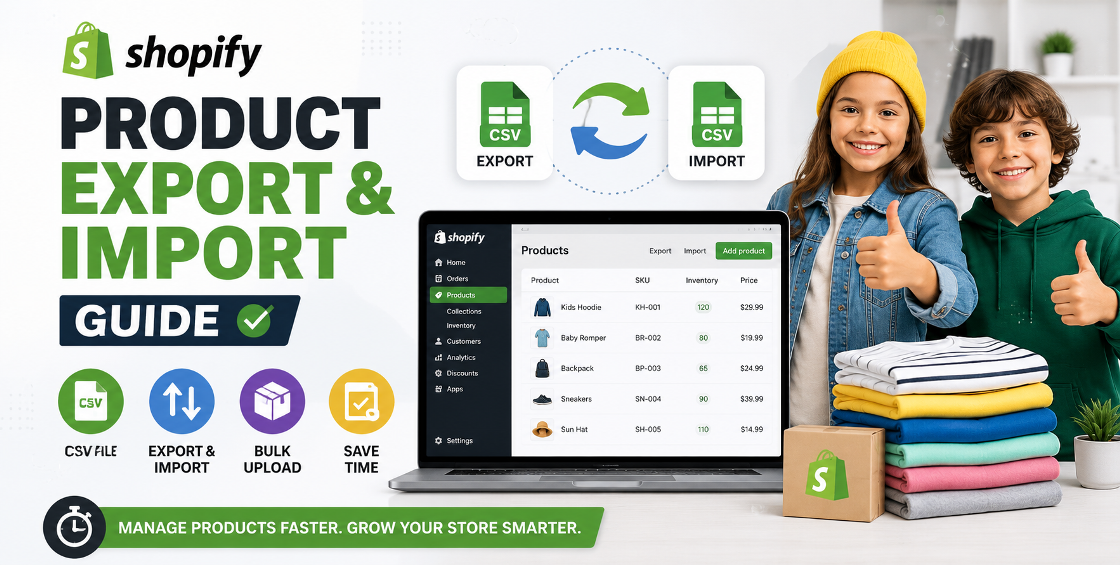
Bulk CSV imports often introduce hidden formatting issues. A single misplaced comma, extra quotation mark, or incorrect UTF-8 encoding can disrupt hundreds of rows without being obvious at first glance.
Variant mapping deserves more testing than most merchants expect. Stores with multiple colours, sizes, or bundles frequently encounter mismatched images or pricing after imports if the source data isn't structured correctly.
Collection structure influences feed quality. When products are organised into logical collections with consistent tags and product types, feed management becomes much easier and future automation is more reliable.
Routine feed checks save time. Even when everything is automated, it's worth reviewing feed diagnostics regularly. New apps, theme updates, or supplier imports can introduce unexpected issues.
Avoid these common problems:
Many of these issues don't stop products from publishing, but they can quietly reduce visibility and advertising performance over time.
Consider linking this guide to related service pages, such as:
These internal links help visitors discover related services while strengthening your site's SEO.
A successful Shopify product feed is much more than a technical requirement—it's the foundation of effective ecommerce marketing. Whether you're advertising through Google Shopping, Meta, Pinterest, or other sales channels, accurate product data helps your products reach the right audience and reduces unnecessary feed errors.
Taking time to organise your catalog, optimise product information, manage variants correctly, and monitor feed health can lead to better visibility, improved click-through rates, and stronger sales performance.
As your product catalogue grows, investing in proper feed management becomes even more valuable, helping you avoid costly mistakes while keeping your store ready for future expansion.

Our Trusted Clients
















Our goal is to help our companies maintain achieve best class positions their respective industries & our team works occur that pleasures have to be repudiated.

Copyright © MyShopifyExpert . All rights reserved.