




If you've ever tried uploading hundreds—or even thousands—of products to Shopify manually, you already know how quickly a simple task can turn into a frustrating project.
We've worked with ecommerce businesses selling everything from fashion and electronics to automotive parts and B2B supplies. One common challenge appears across almost every store: product management becomes difficult as the catalog grows.
A few products are easy to handle. A few hundred products are manageable. But once you're dealing with thousands of SKUs, multiple variants, supplier updates, inventory synchronization, and bulk edits, manual uploads simply aren't sustainable.
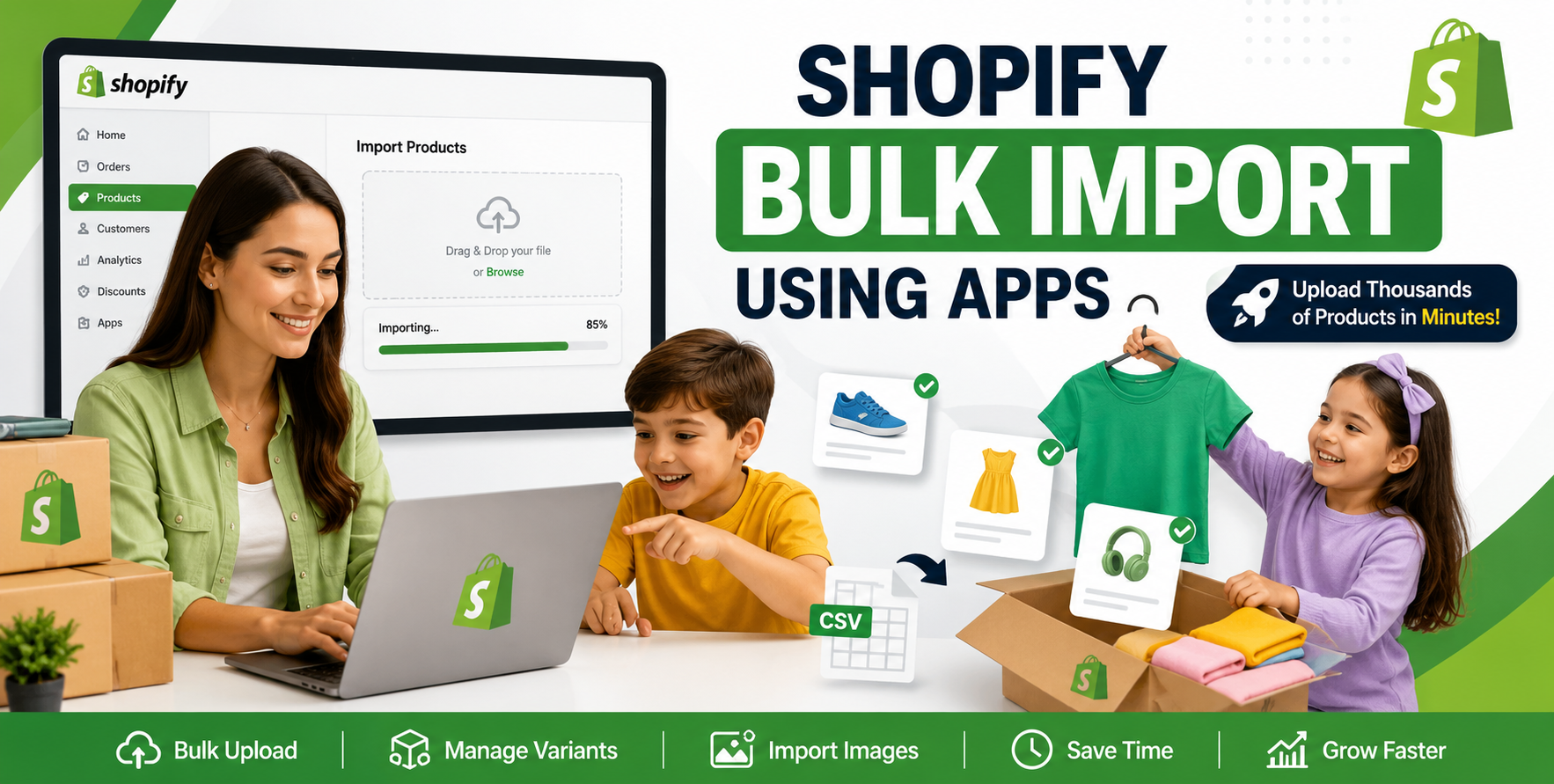
That's where Shopify product upload tools and apps become essential.
In this guide, we'll break down the best options available, explain when to use each one, and share practical insights from real Shopify store management experience.
Many store owners underestimate how much time product management consumes.
A typical product upload process often includes:
Multiply that by hundreds or thousands of products, and small mistakes quickly become expensive.
Common issues we regularly encounter include:
The right Shopify product upload app can eliminate many of these problems.
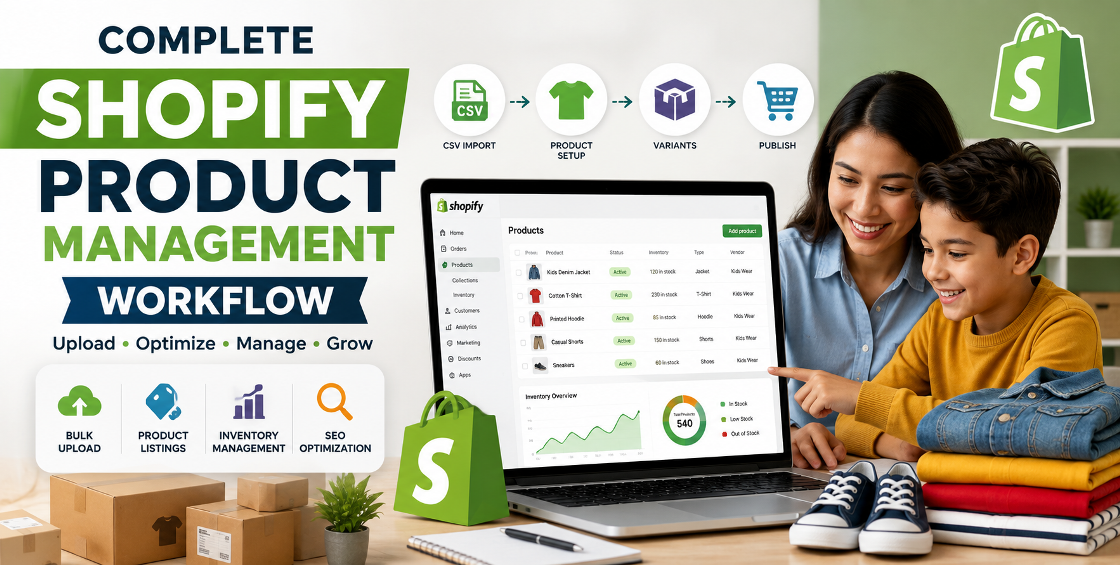
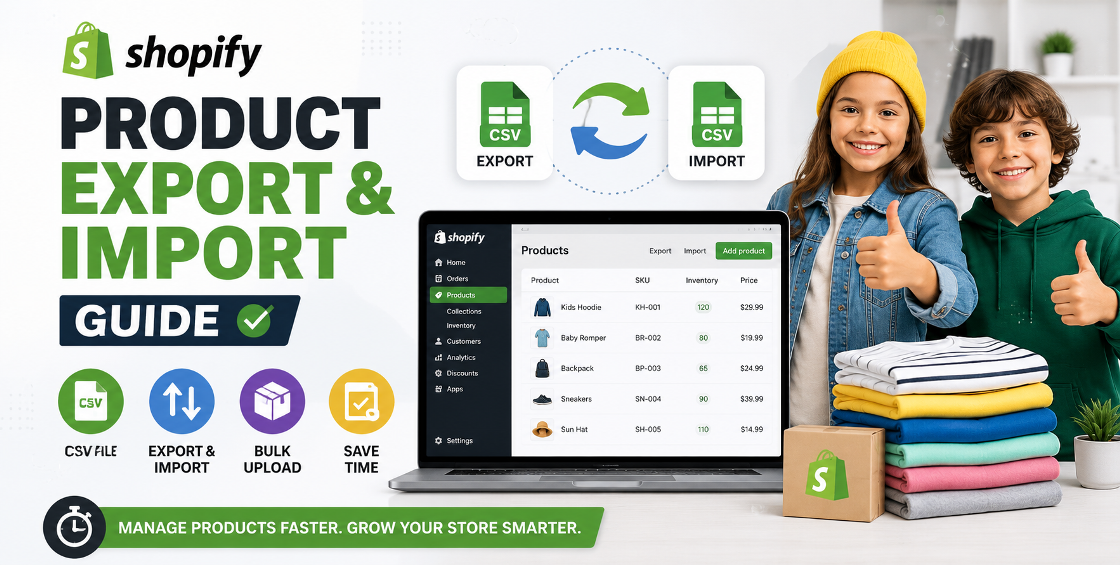
For many businesses, Shopify's built-in CSV importer is the first place to start.
One misplaced column header or missing value can trigger import issues. We've seen stores lose hours troubleshooting a simple CSV formatting mistake.
For businesses with a few hundred products, however, it's often sufficient.
Matrixify is widely regarded as one of the most powerful Shopify bulk upload tools available.
What makes Matrixify particularly valuable is its detailed error reporting.
Instead of simply failing an import, it typically identifies exactly which row contains the problem.
For stores handling tens of thousands of products, this can save significant time.
LitCommerce is popular among merchants selling across multiple marketplaces.
Benefits include:
This is especially useful for businesses managing products across multiple sales channels from one dashboard.
Supplier feeds often create one of the biggest operational challenges for ecommerce businesses.
Stock Sync helps automate product and inventory updates.
Rather than manually updating inventory every day, merchants can automate synchronization directly from supplier feeds.
Sometimes the challenge isn't uploading products—it's updating them.
Ablestar specializes in bulk editing.
Examples include:
For stores with thousands of SKUs, this level of automation can dramatically reduce administrative work.
Not every store needs advanced software.
Here's a practical framework we often use when advising clients.
Recommended:
These tools provide enough functionality without unnecessary complexity.
Recommended:
At this stage, automation starts delivering meaningful time savings.
Recommended:
Enterprise-level catalogs typically require automation, integrations, and advanced import controls.
Variants frequently cause import failures.
For example:
This creates multiple variant combinations that must be structured correctly.
A single formatting mistake can result in missing options or duplicated products.
Large catalogs often contain thousands of product images.
Common issues include:
Before uploading, always verify image hosting and naming conventions.
Supplier data is rarely clean.
We regularly encounter:
Cleaning supplier data before importing prevents significant backend issues later.
Never upload 5,000 products immediately.
Then proceed with larger imports.
Before making bulk changes:
A backup can prevent hours of recovery work.
Create consistent rules for:
Consistency improves both operations and SEO.
Automation saves time but requires monitoring.
Always review:
Automated errors can spread quickly across an entire catalog.
Many merchants skip data checks and import products directly.
Result:
Bulk uploads often leave:
This hurts organic search visibility.
Disorganized SKUs create inventory management challenges later.
Establish a clear SKU structure from the beginning.
The cheapest solution isn't always the most cost-effective.
A tool that saves hours every month often pays for itself quickly.
Managing products efficiently is one of the most important operational aspects of running a successful Shopify store.
The right Shopify product upload tools help reduce manual work, improve accuracy, and make scaling significantly easier.
For smaller stores, Shopify's native CSV importer may be all you need.
For growing and enterprise-level businesses, solutions like Matrixify, Stock Sync, LitCommerce, and Ablestar can dramatically streamline catalog management.
The key is selecting tools that match your catalog size, workflow complexity, and growth plans.

Our Trusted Clients
















Our goal is to help our companies maintain achieve best class positions their respective industries & our team works occur that pleasures have to be repudiated.

Copyright © MyShopifyExpert . All rights reserved.