




Running a Shopify store often looks simple from the outside. Upload products, add images, write descriptions, and start selling.
In reality, Shopify data management is one of the most overlooked areas of ecommerce operations.
We've worked with stores that had thousands of products uploaded through CSV files, supplier feeds, manual entry, and third-party integrations. In many cases, sales issues weren't caused by marketing or product quality—they were caused by small data entry mistakes hiding inside the Shopify backend.
A missing variant image, incorrect inventory count, duplicate SKU, or poorly structured product title can quietly impact customer experience, SEO performance, and conversion rates.
In this guide, we'll cover the most common Shopify data entry mistakes, explain why they matter, and show practical ways to avoid them.
Many store owners focus heavily on advertising, SEO, and social media while overlooking the quality of their product data.
Poor product data can lead to:
Even a small error repeated across hundreds or thousands of products can create significant operational headaches.
One of the most common Shopify data entry mistakes is inconsistent product naming.
Bad:
Good:
Consistent product titles help:
A structured naming convention should be established before large product uploads begin.
SKUs are the backbone of inventory tracking.
Unfortunately, many stores create duplicate SKUs or use random naming structures that become difficult to manage later.
Create a standardized SKU structure.
APP-TSH-BLK-S
APP-TSH-BLK-M
APP-TSH-BLK-L
This makes inventory tracking and reporting much easier as the catalog grows.
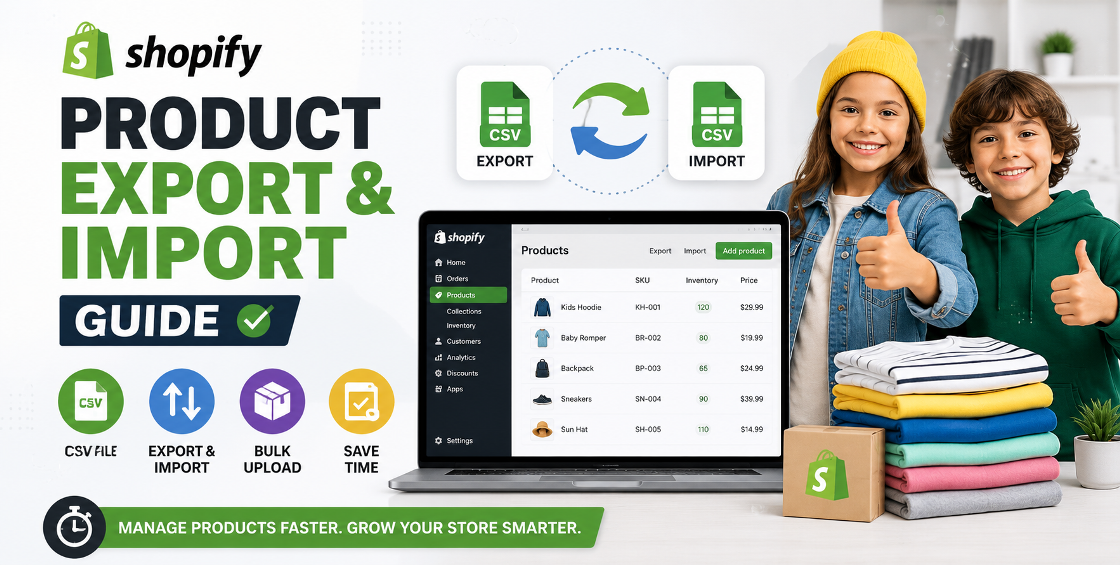
CSV imports can save hours of manual work.
They can also create thousands of errors in minutes.
We've seen stores accidentally:
A simple spreadsheet review before importing can prevent expensive cleanup work later.
Variants are frequently mishandled during product uploads.
Customers expect options such as:
When variants aren't configured correctly, shoppers become confused or leave the store.
Proper variant setup improves both user experience and inventory accuracy.
Many Shopify stores either copy manufacturer descriptions, use extremely short descriptions, or upload large blocks of unformatted text.
Neither approach performs particularly well.
Explain what the product offers.
Explain why it matters to the customer.
Provide measurements, materials, and technical details.
Answer common buying questions.
Well-structured descriptions help both search engines and customers understand the product.
Data entry isn't only about text.
Images are a critical part of product data management.
When product images are inconsistent, conversion rates often suffer.
Inventory errors create customer frustration quickly.
Few things damage trust more than selling products that are actually out of stock.
Regular inventory audits are essential, especially for larger catalogs.
Many store owners upload products but fail to organize them properly.
Without structured tagging and collections:
Proper categorization helps both customers and search engines.
Duplicate products often appear after:
Duplicate listings create:
Regular catalog audits help identify duplicates before they become a larger issue.
Many products go live with:
This limits organic visibility.
Clear and keyword-focused.
Compelling summary encouraging clicks.
Short and readable.
/mens-waterproof-hiking-boots
instead of:
/product-12345678
Pricing mistakes can be surprisingly expensive.
Common examples include:
A single pricing error across hundreds of products can significantly impact profit margins.
As stores grow, multiple team members often manage uploads.
Without standards, data quality quickly deteriorates.
Standardization makes future maintenance dramatically easier.
After managing large Shopify catalogs, we've noticed a few recurring patterns.
A typo in one product is minor. A typo imported into 5,000 products becomes a major cleanup project.
Always test CSV imports on a small batch before uploading the full catalog.
Many suppliers provide incomplete or inconsistent product information. Never assume supplier feeds are ready for direct publication.
Clean product data often leads to improvements in:
Most Shopify store owners don't intentionally create catalog problems. They usually appear gradually through supplier imports, bulk uploads, team changes, and rapid store growth.
The challenge is that even small Shopify data entry mistakes can impact customer experience, inventory accuracy, SEO performance, and ultimately revenue.
By implementing structured processes, validating CSV files, standardizing product data, and performing regular catalog audits, store owners can avoid costly mistakes and maintain a professional ecommerce operation that scales efficiently.




Our Trusted Clients
















Our goal is to help our companies maintain achieve best class positions their respective industries & our team works occur that pleasures have to be repudiated.

Copyright © MyShopifyExpert . All rights reserved.