



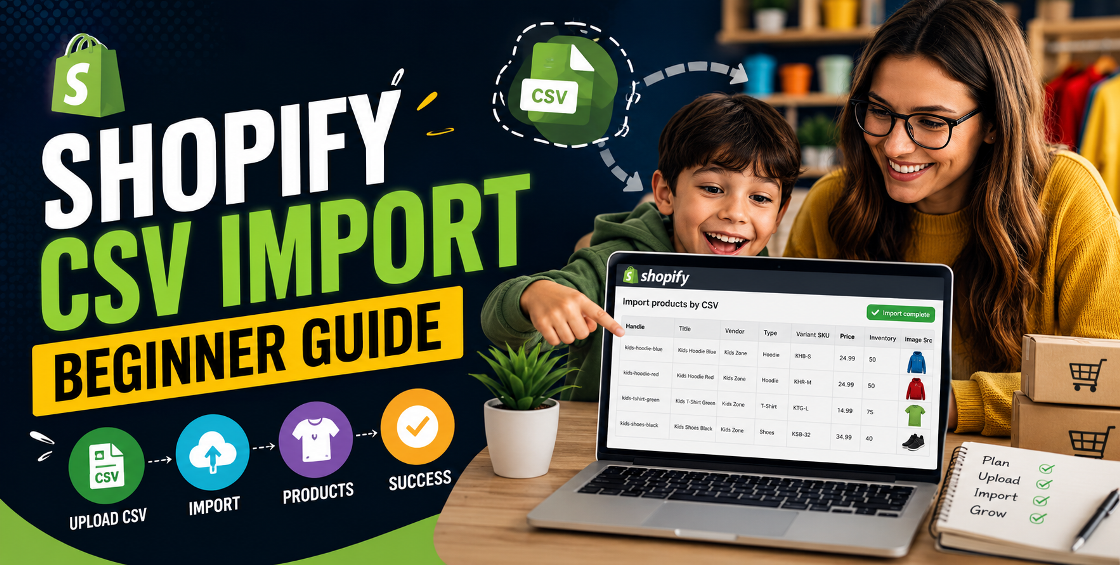
If you’ve ever tried uploading hundreds of products into Shopify manually, you already know how painful it gets after the first 20 items.
One missing comma in a CSV file. Variant images not showing. Inventory numbers disappearing. Duplicate handles creating messy URLs. We’ve seen all of it while managing Shopify stores for fashion brands, electronics sellers, beauty companies, wholesalers, and multi-country ecommerce businesses.
The good news? Shopify CSV imports are incredibly powerful once you understand how they actually work.
This beginner-friendly Shopify CSV import guide walks you through the right way to upload products in bulk, avoid common errors, and save hours of manual work.
A Shopify CSV import is a method of uploading product data into your Shopify store using a spreadsheet file.
Instead of adding products one by one, you can upload:
This is especially useful for stores with:
For growing ecommerce brands, CSV imports become part of daily store management.
The biggest reason is simple: speed.
Uploading 500 products manually could easily take several days. A properly structured CSV file can do it in minutes.
But there’s another reason experienced Shopify teams rely heavily on CSV workflows: consistency.
When products are uploaded manually, small errors happen constantly:
CSV imports reduce those issues because everything is standardized before upload.
Before importing products, it helps to understand how Shopify reads CSV files.
Every row in the spreadsheet represents either:
Some columns are mandatory, while others are optional.
Here are some of the most important fields:
| Column | Purpose |
|---|---|
| Handle | Unique product identifier |
| Title | Product name |
| Body (HTML) | Product description |
| Vendor | Brand or supplier |
| Type | Product category |
| Tags | Search/filter tags |
| Variant SKU | Product SKU |
| Variant Price | Selling price |
| Image Src | Product image URL |
One thing beginners often miss: variants use the same product handle.
If the handles don’t match correctly, Shopify may create duplicate listings instead of variants.
Inside Shopify Admin:
Products → Import → Download sample CSV
Using Shopify’s structure is much safer than creating a file from scratch.
A lot of CSV import errors happen because sellers use Excel exports from Amazon, Etsy, eBay, or suppliers that don’t match Shopify formatting.
This is where most of the real work happens.
Before importing, clean your spreadsheet carefully:
Handles should be:
Messy handles create ugly URLs and SEO problems later.
For products with sizes or colors:
| Handle | Option1 Name | Option1 Value |
|---|---|---|
| hoodie-black | Size | Small |
| hoodie-black | Size | Medium |
| hoodie-black | Size | Large |
All variants must share the same handle.
This is one of the most common Shopify bulk upload mistakes we fix for clients.
Large image files slow imports and sometimes fail silently.
Recommended approach:
We’ve seen imports fail because image URLs contained random tracking parameters from supplier websites.
Once the file is ready:
For large catalogs, Shopify may process imports in the background.
Don’t panic if products don’t appear instantly.
Usually caused by:
Fix:
Always keep product handles consistent.
This happens frequently during Shopify product CSV imports.
Common reasons:
Fix:
Open image URLs in an incognito browser before importing.
If the image doesn’t load publicly, Shopify can’t fetch it either.
Sometimes sellers upload products without filling variant-specific pricing columns.
Fix:
Use:
Correctly for each row.
Even if products share the same price, variant rows still matter.
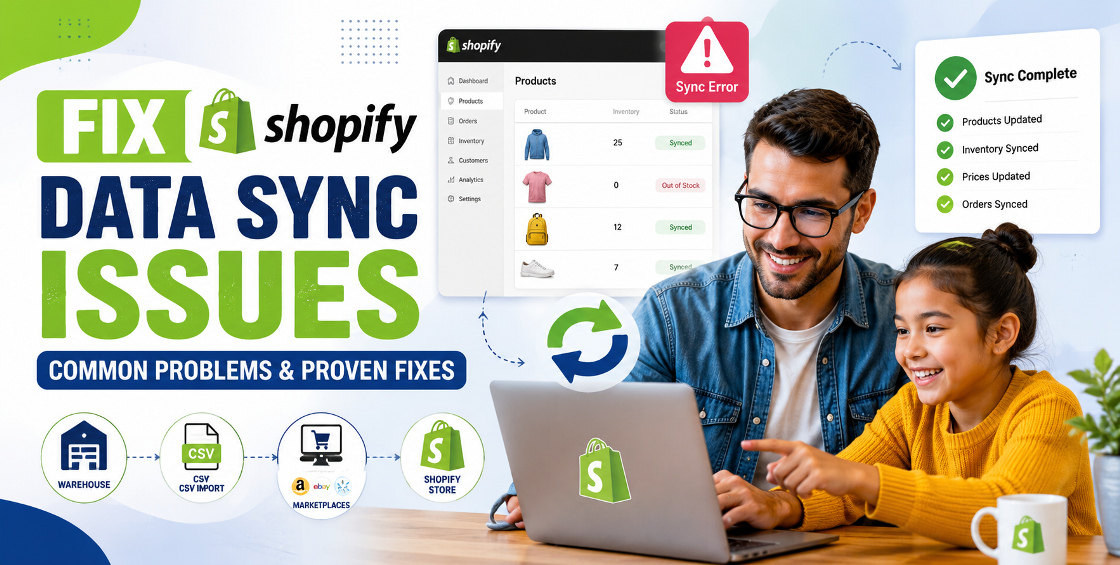
This issue is extremely common with supplier spreadsheets.
Usually caused by:
Fix:
Double-check inventory tracking inside Shopify settings before import.
After handling thousands of product uploads across different Shopify stores, here are the practices that consistently prevent problems.
Never upload 5,000 products immediately.
Even experienced ecommerce teams run small test imports first.
It helps catch:
before they affect the entire catalog.
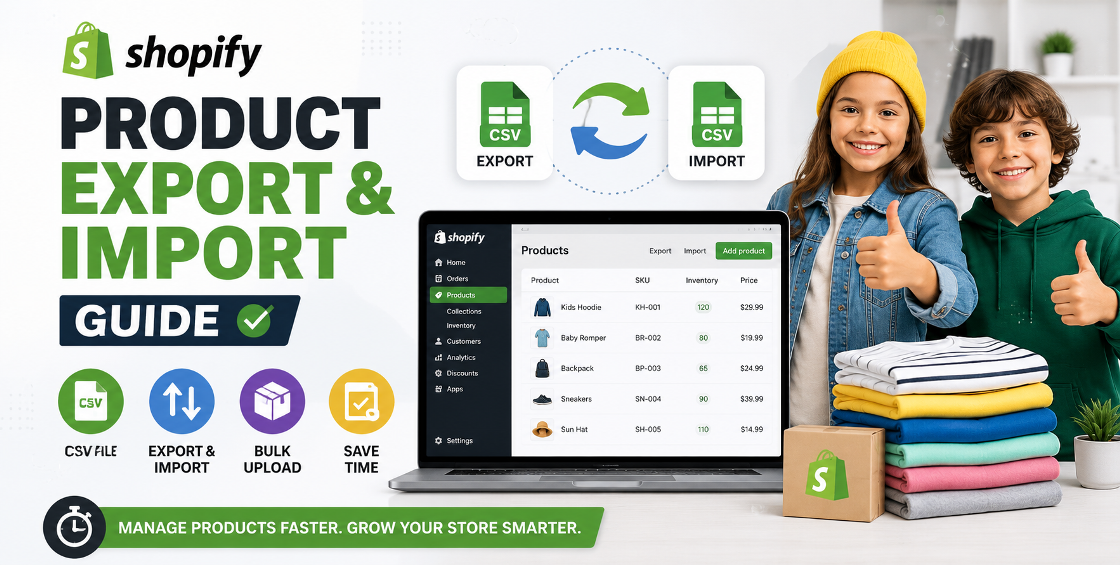
Before making bulk changes, export your current products.
This becomes your rollback file if something breaks during import.
One incorrect overwrite can wipe product descriptions, tags, or inventory data instantly.
Google Sheets sometimes changes formatting automatically.
Especially:
We’ve seen leading zeros disappear from product SKUs because spreadsheets auto-formatted them as numbers.
That creates inventory sync problems later.
Most Shopify store owners focus only on product uploads and forget search optimization.
Your CSV can also include:
That matters if you want products ranking in Google Shopping and organic search.
If your store has thousands of products, things become more technical.
Here’s what experienced Shopify managers usually do:
Huge imports can fail or timeout.
Instead of uploading 20,000 products at once:
This improves:
Example:
Instead of random titles like:
Use:
“Men’s Navy Blue Cotton T-Shirt”
Consistency matters more than most store owners realize.
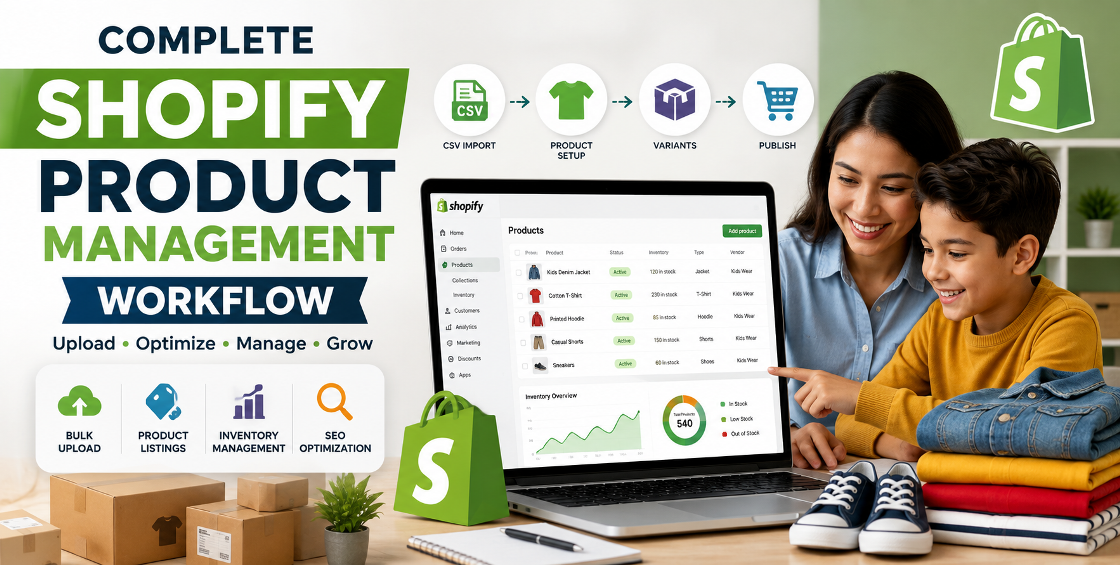
Once products are imported, Shopify bulk editing tools become incredibly useful for:
CSV imports and bulk edits work best together.
At a certain scale, CSV management becomes time-consuming.
Especially when dealing with:
A small formatting mistake can create hundreds of broken listings.
That’s why many ecommerce brands outsource Shopify product uploads and catalog management once their inventory grows.
One overlooked detail in Shopify CSV imports is how important clean data structure becomes later.
A poorly organized catalog creates long-term issues with:
We’ve worked on stores where fixing bad CSV imports took longer than rebuilding the catalog correctly from scratch.
The import itself is easy.
The structure behind the import is what separates scalable ecommerce stores from chaotic ones.
A Shopify CSV import can save massive amounts of time when done correctly.
But successful imports are less about the upload button and more about preparing clean, organized product data beforehand.
If you’re running a growing ecommerce store, learning CSV workflows will help you:
And once your inventory becomes more complex, having experienced Shopify support can save countless hours fixing avoidable mistakes later.

Our Trusted Clients
















Our goal is to help our companies maintain achieve best class positions their respective industries & our team works occur that pleasures have to be repudiated.

Copyright © MyShopifyExpert . All rights reserved.