



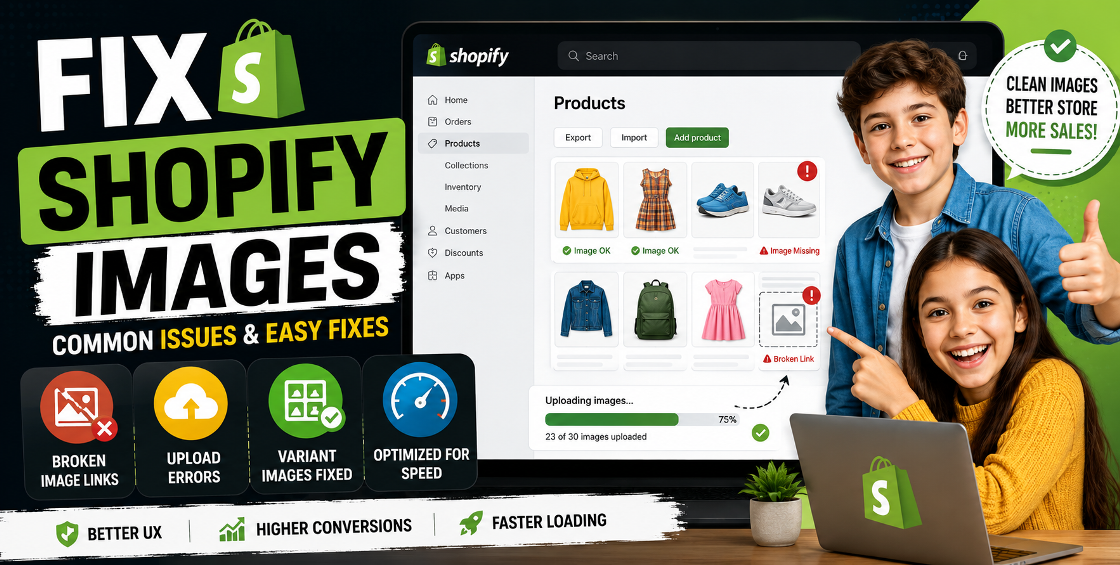
Running a Shopify store sounds straightforward until product images start breaking.
One minute you’re importing products in bulk, and the next minute half the images are missing, variants are linked incorrectly, thumbnails won’t load, or Shopify suddenly rejects the CSV file with vague errors that make no sense.
We’ve worked on Shopify product uploads for stores with hundreds, thousands, and sometimes tens of thousands of SKUs. And honestly, image-related issues are one of the most common reasons product imports fail or storefronts look incomplete after launch.
The good news is that most Shopify image upload problems are fixable once you know what’s happening behind the scenes.
In this guide, we’ll break down the most common Shopify image upload issues, why they happen, and how ecommerce businesses can avoid costly catalog mistakes during product imports and bulk uploads.
Shopify’s product import system is powerful, but it’s also very strict.
Even a tiny formatting issue inside a CSV file can affect hundreds of products at once.
Most of these problems happen during:
And if image mapping is handled incorrectly, the storefront can look incomplete or unprofessional within minutes.
This is one of the most common Shopify image upload issues.
Usually, the CSV imports successfully, but the images don’t appear on product pages.
Shopify requires direct, publicly accessible image URLs.
A lot of store owners use Google Drive links or Dropbox share URLs, which usually don’t work correctly during imports.
Instead:
Example:
Wrong: Blue Shirt Final 1.jpg
Better: blue-shirt-front.jpg
We also recommend testing 5–10 image URLs manually before running a large import.
This issue becomes messy very quickly on stores with multiple color or size variations.
This usually happens because variant image mapping inside the CSV is not aligned properly.
A small CSV structure issue can affect thousands of variants in bulk uploads.
Sometimes Shopify simply skips images during import without clearly explaining why.
Shopify works best with:
Avoid:
Also make sure image links open directly in a browser without requiring login access.
This often happens during repeated imports.
Store owners update inventory or pricing, rerun imports, and suddenly every product has duplicated gallery images.
Shopify may treat re-imported image URLs as new assets depending on how the CSV is structured.
This issue hurts SEO, user experience, and mobile conversions.
Many ecommerce stores upload:
The result:
Good naming conventions help with:
Example:
nike-air-max-black-side.jpg
wood-dining-table-oak-front.jpg
Inconsistent image sizes make collections look messy.
Before:
Export:
Many suppliers provide:
Cleaning supplier image data before import is often more important than the actual upload itself.
Experienced Shopify teams validate:
before importing.
Uploading 20,000 products at once increases the risk of:
Shopify image upload issues are incredibly common, especially during large product imports, migrations, or supplier-based catalog updates.
Broken galleries, slow-loading pages, incorrect variant images, and duplicate uploads all impact customer trust and conversions.
The best approach is to combine:
That’s usually what separates smooth Shopify product management from hours of frustrating cleanup work later.



Our Trusted Clients
















Our goal is to help our companies maintain achieve best class positions their respective industries & our team works occur that pleasures have to be repudiated.

Copyright © MyShopifyExpert . All rights reserved.