



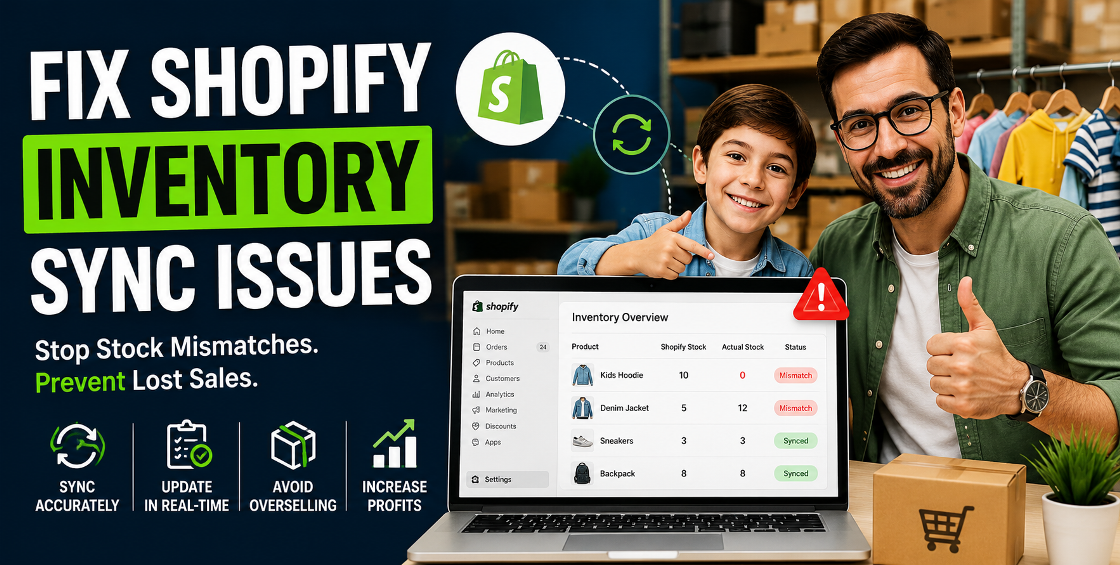
If you’ve ever logged into your Shopify store and found that your “in stock” product was actually sold out—or worse, your warehouse still had stock of something Shopify marked as zero—you already know how frustrating inventory sync issues can be.
We’ve seen this happen across stores of every size: from small UK boutiques scaling into the US market, to high-volume brands running multi-warehouse setups across Europe and the Gulf. And almost always, the problem isn’t Shopify itself—it’s how inventory is connected, updated, and managed behind the scenes.
The reality is simple: Shopify inventory sync issues can quietly drain revenue, damage customer trust, and create operational chaos if not fixed properly.
Let’s break down what’s really going wrong—and how to fix it properly based on real Shopify backend experience.
Shopify inventory sync issues fix
Most store owners assume inventory sync is automatic and flawless. In reality, Shopify relies heavily on how your store is structured and which apps or systems are connected.
A very common issue is when stores use Shopify POS, third-party ERP systems, Amazon, eBay, TikTok Shop integrations, or 3PL fulfillment apps.
If these are not properly mapped to a single “inventory owner,” Shopify ends up receiving conflicting stock updates.
We’ve seen cases where:
Result? Overselling or order cancellations.
Shopify tracks inventory at the variant level, not product level.
That means:
This usually happens when CSV imports or apps only partially update variant IDs.
Common backend mistake: Updating SKU instead of Variant ID during bulk upload.
If you're using third-party tools, inventory updates depend on API calls.
Problems arise when:
This creates delayed sync, where inventory corrects itself hours later—too late to prevent overselling.
Bulk uploads are one of the biggest hidden culprits.
Common CSV issues include:
One incorrect CSV import can break inventory logic across hundreds of products.
Before fixing anything, define one system that controls inventory:
Everything else should sync into that system—not override it randomly.
Go to: Settings → Locations → Inventory
Check:
Many sync issues come from incorrect warehouse assignments.
Example:
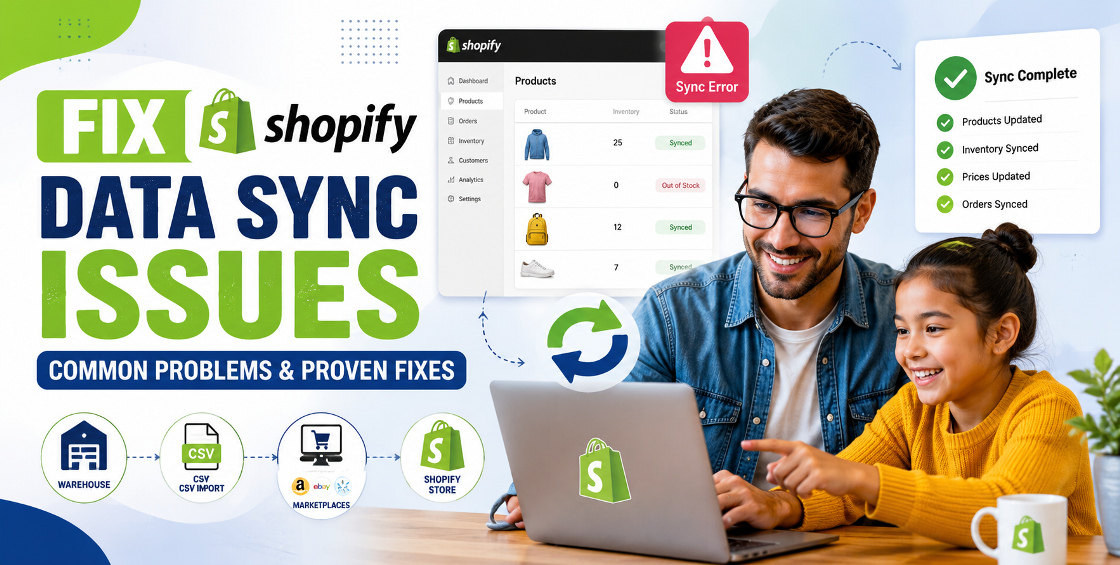
Stock syncing tools, ERP connectors, and marketplace integrations often break due to expired permissions.
A full reconnect can fix:
Use Shopify inventory adjustment history to track:
This often reveals root causes quickly.
This method is often the fastest way to fix deep sync corruption.
A single inventory control layer across all channels significantly reduces errors.
Shopify inventory sync issues are rarely random. They usually come from misconfigured systems, unclear inventory ownership, or broken integrations between apps and warehouses.
Once your sync structure is cleaned and aligned, inventory becomes one of the most stable parts of your ecommerce operation.
Fixing issues early prevents losses in sales, advertising performance, and customer trust.


Our Trusted Clients
















Our goal is to help our companies maintain achieve best class positions their respective industries & our team works occur that pleasures have to be repudiated.

Copyright © MyShopifyExpert . All rights reserved.