




If you’ve ever tried uploading products into Shopify and ended up staring at a CSV full of errors, missing variants, or broken pricing rules—you’re not alone.
We’ve worked with dozens of Shopify stores across the US, UK, Europe, Australia, and the Gulf region, and product data formatting is one of the most underestimated parts of ecommerce operations. It’s not glamorous, but it directly impacts how fast you launch, how clean your store runs, and ultimately how many sales you make.
A messy product feed doesn’t just slow you down—it creates invisible revenue leaks: incorrect variants, broken collections, SEO issues, and frustrated customers who abandon checkout because something “looks off.”
This Shopify Product Data Formatting Guide breaks down exactly how to structure your product data the right way, based on real-world Shopify backend experience—not theory.
Shopify product data formatting guide
At its core, Shopify product data formatting is about structuring your product information in a way the platform can interpret without errors.
This includes:
The challenge? Shopify is flexible—but that flexibility often leads to inconsistency when importing bulk data through CSV files.
We’ve seen stores upload 500 products successfully, only to discover later that variants weren’t mapped correctly, images didn’t attach to the right SKUs, or inventory tracking broke across locations.
And fixing that after launch is painful.
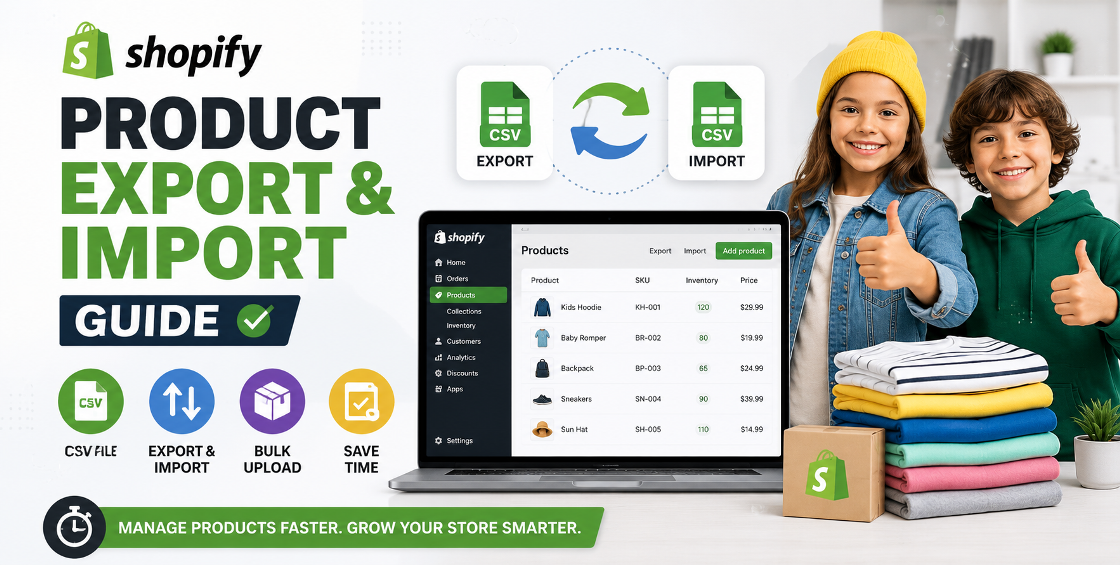
When working with bulk imports inside Shopify, your CSV file becomes your “source of truth.”
Shopify’s CSV template is strict. The most common mistake is adding custom columns without understanding how Shopify processes them.
Stick to:
Real-world insight: We often see merchants add “extra columns for internal tracking,” which breaks imports or causes silent mapping issues.
Shopify variants are powerful—but only if structured properly.
For example:
If you mix naming conventions (like “Black / BLK / blk”), Shopify will treat them as separate variants instead of grouping them.
This is one of the most common Shopify product variant structure guide failures we fix for clients.
A SKU system is not just inventory tracking—it’s operational clarity.
Good SKU structure: BRAND-PRODUCT-COLOR-SIZE (e.g., NIK-AIRMAX-BLK-10)
Bad SKU structure: random numbers like 88391 or empty fields
Without proper SKUs, syncing with fulfillment or ERP tools becomes a nightmare.
Most import issues are not “technical Shopify problems.” They’re data hygiene problems.
Most people think SEO starts with blogs. In reality, it starts with product data.
A properly structured product page improves:
SEO best practices:
Stores that clean their product data often see noticeable improvements in organic traffic within weeks—not months.
The biggest issue is that most merchants only fix data after something breaks.
A well-structured Shopify product catalog isn’t just backend organization—it’s the foundation of scalability.
This Shopify product data formatting guide is meant to help you avoid the expensive cleanup phase most stores go through too late.
If your store is scaling or preparing for a migration, getting your product data right upfront will save you weeks of manual fixes later.



Our Trusted Clients
















Our goal is to help our companies maintain achieve best class positions their respective industries & our team works occur that pleasures have to be repudiated.

Copyright © MyShopifyExpert . All rights reserved.