



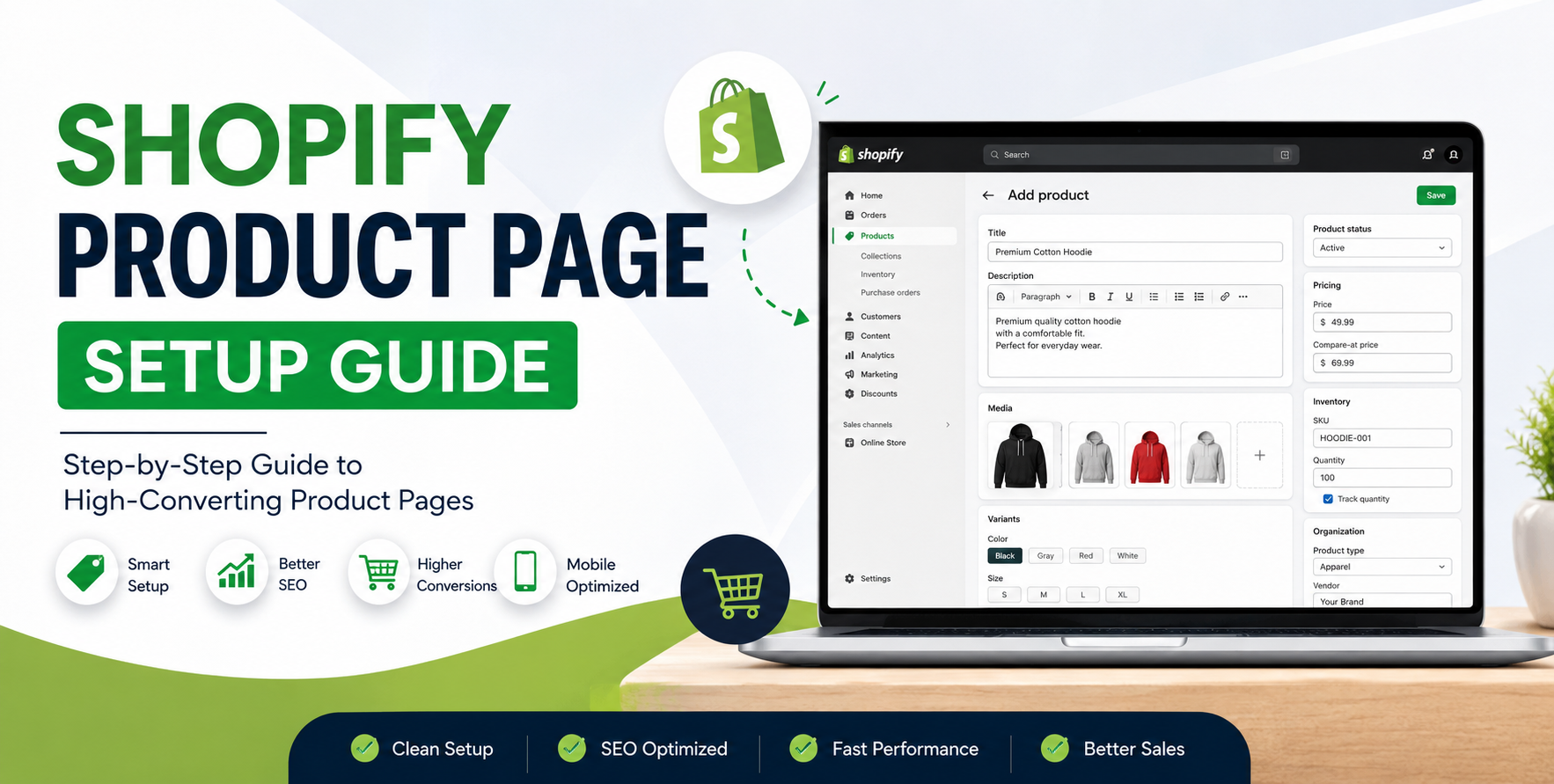
Running a Shopify store sounds simple until you start uploading products at scale.
One missing variant image, a broken CSV field, or poorly optimized product description can quietly damage conversions, SEO rankings, and customer trust. We’ve seen stores lose sales because product pages loaded slowly, inventory synced incorrectly, or mobile layouts buried important information below the fold.
The truth is, your Shopify product page is more than just a place to display products. It’s your digital salesperson.
Whether you're managing 50 SKUs or 50,000, this Shopify Product Page Setup Guide will walk you through how experienced ecommerce teams structure product pages for better visibility, smoother operations, and higher conversions.
Many ecommerce brands focus heavily on ads and traffic but overlook the actual product page experience.
That’s where conversion rates are won or lost.
A well-structured Shopify product page helps with:
We’ve worked with stores in the US, UK, Australia, and the Gulf region where fixing product page structure alone improved conversion rates without increasing ad spend.
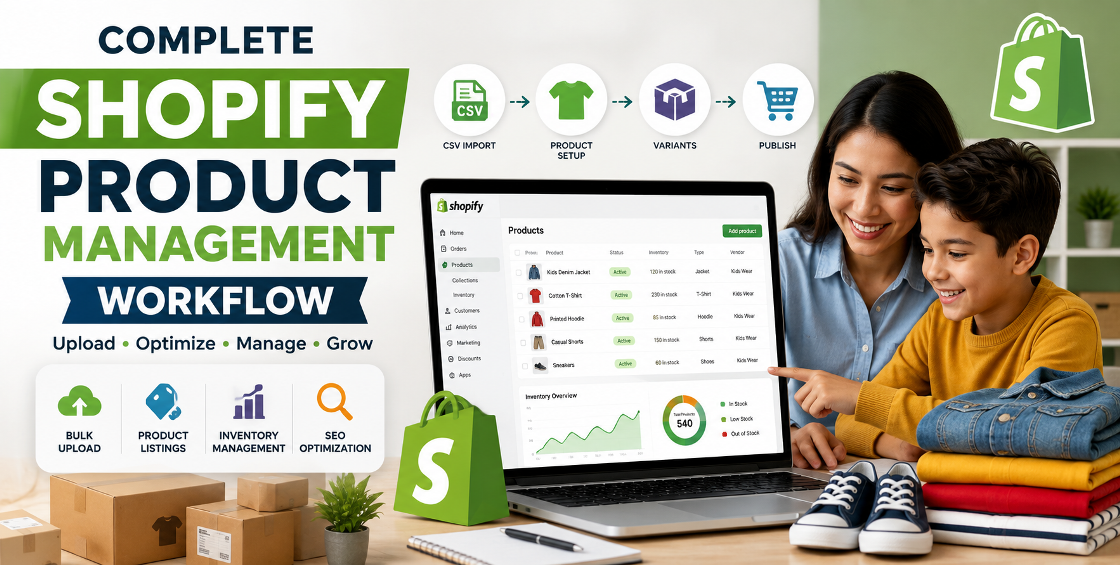
Before uploading anything into Shopify, organize your product data properly.
This sounds basic, but messy product structures create major backend issues later.
Prepare:
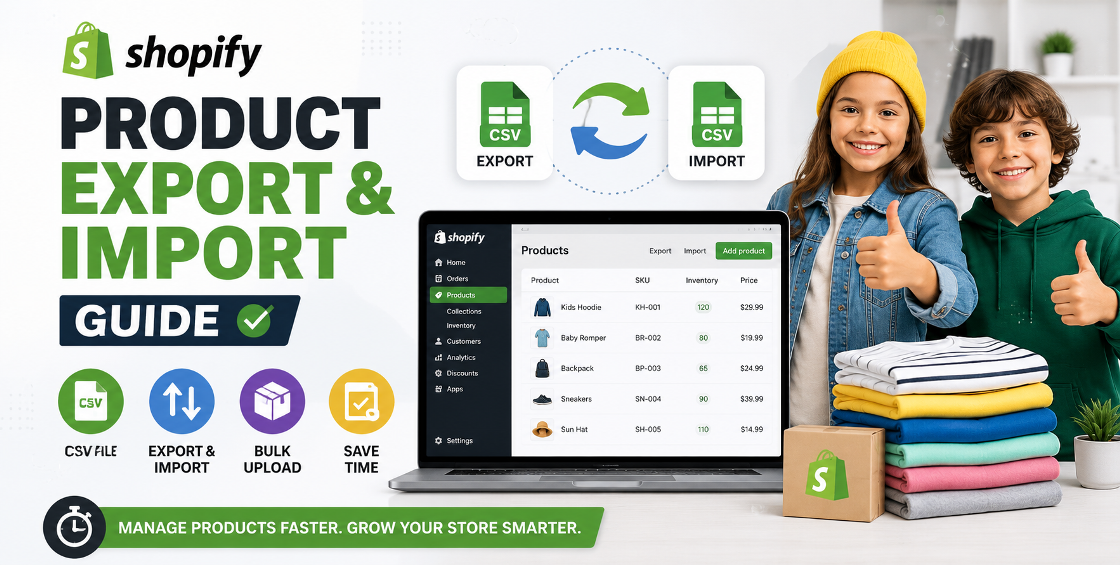
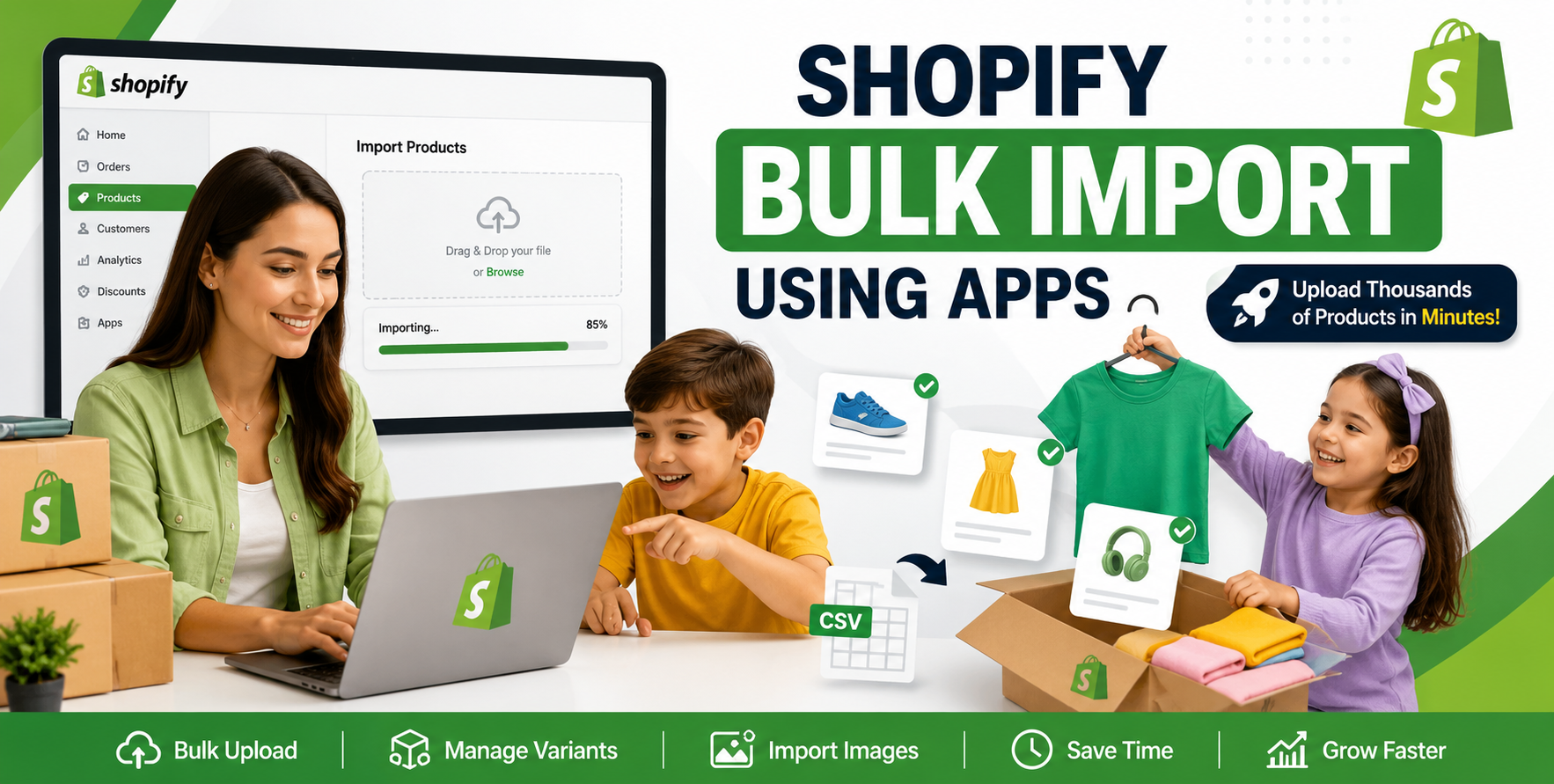
For stores managing bulk imports, we strongly recommend validating CSV files before upload. Shopify CSV formatting errors are one of the most common reasons product imports fail.
A few common issues we regularly see:
These small backend mistakes can create hundreds of hidden product issues across large catalogs.
Your product title should immediately explain what the product is.
Avoid keyword stuffing.
“Best Premium Stylish Luxury Cotton T Shirt For Men Online”
“Men’s Organic Cotton Crew Neck T-Shirt”
Simple titles perform better for both SEO and customer trust.
For international ecommerce stores, clarity matters even more because global customers scan quickly before purchasing.
This is where many Shopify stores struggle.
Manufacturers often provide generic descriptions used by hundreds of other websites. Duplicate content hurts SEO and weakens your brand positioning.
Strong product descriptions should answer:
A short paragraph explaining the product clearly.
Use bullet points for easy scanning.
Dimensions, material, compatibility, sizing, etc.
Helpful operational details reduce customer support tickets.
For stores with large catalogs, AI-generated descriptions often create repetitive content that sounds unnatural. We usually recommend a hybrid workflow:
This keeps content scalable without sounding robotic.
Customers cannot physically touch your products.
Images become your trust layer.
Include:
When uploading variants in bulk, image mapping errors are extremely common.
For example: A black hoodie variant accidentally displays the red hoodie image.
This usually happens because variant image IDs are mismatched during CSV import.
Always test:
Variants seem simple until stores scale.
Improper variant setup creates inventory confusion, shipping issues, and poor customer experience.
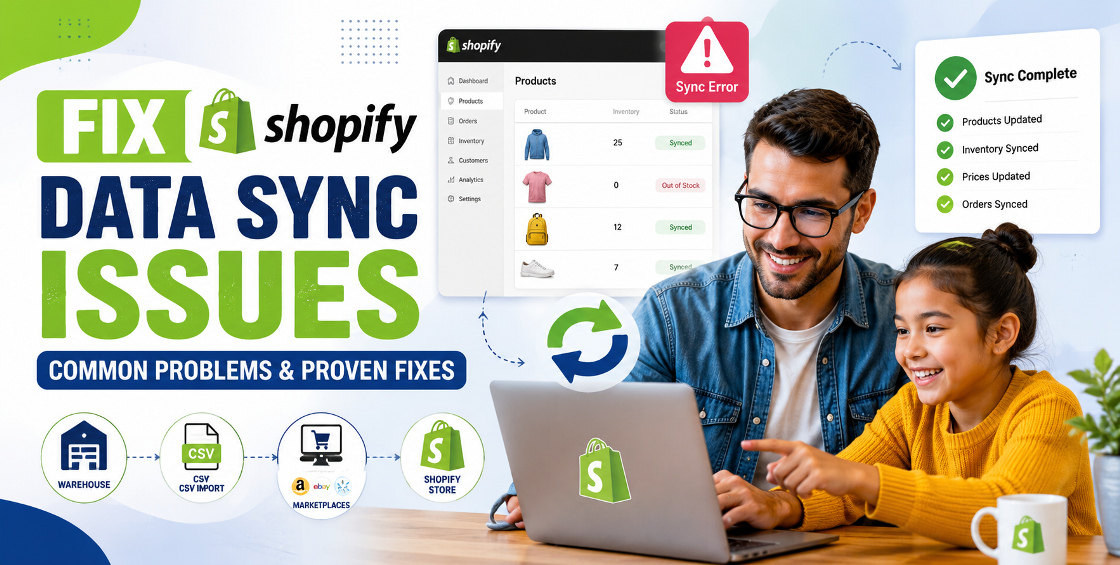
Large Shopify catalogs often hit variant limitations or messy inventory syncing when products are imported from ERP systems or marketplaces like Amazon and eBay.
A structured variant strategy early on prevents major cleanup work later.
Product pages are powerful SEO assets when optimized correctly.
Many Shopify stores rely only on collection pages, but optimized product pages can attract highly targeted buying traffic.
Include:
Write naturally and focus on clicks, not just rankings.
Keep URLs short and readable.
Example: /products/leather-office-chair
Describe the image naturally.
Example: “Black ergonomic leather office chair”
Link product pages to:
This improves site structure and crawlability.
More than half of ecommerce traffic now comes from mobile devices.
Yet many Shopify stores still design product pages primarily for desktop.
We’ve seen stores lose conversions simply because variant dropdowns were difficult to use on smaller screens.
Tiny usability issues create major revenue leaks over time.
Customers look for reassurance before purchasing.
Especially for international ecommerce stores serving the US, Europe, or Gulf countries.
These small additions significantly improve conversion confidence.
After handling thousands of Shopify product uploads, a few patterns appear consistently.
Many businesses rush CSV imports without validating formatting.
That leads to:
A clean import workflow prevents expensive cleanup later.
Tags influence:
Poor tagging structures create operational headaches as catalogs grow.
Heavy apps, oversized images, and bloated themes often slow down product pages.
Even a 1–2 second delay can impact:
We typically recommend:
Duplicate content weakens SEO performance and brand identity.
Always test every variant combination after import.
Large images slow down mobile performance dramatically.
Customers should reach products quickly through filters and categories.
Many stores skip meta titles and descriptions completely, leaving traffic opportunities on the table.
A great Shopify product page does more than display products.
It improves search visibility, supports backend operations, builds customer trust, and increases conversions.
The stores that scale successfully usually have one thing in common: structured product management from the beginning.
Whether you’re launching a new Shopify store or cleaning up an existing catalog, investing time into proper product page setup pays off long-term.
If your team is dealing with:
Working with experienced Shopify specialists can save countless hours and prevent costly backend mistakes later.
A properly managed product catalog creates smoother operations and a better shopping experience for your customers.

Our Trusted Clients
















Our goal is to help our companies maintain achieve best class positions their respective industries & our team works occur that pleasures have to be repudiated.

Copyright © MyShopifyExpert . All rights reserved.