




Launching a Shopify store looks simple from the outside. Pick a theme, upload products, connect payments, and go live.
In reality, we’ve seen store owners spend weeks building their storefront only to realize later that product variants are broken, collections aren’t indexed, URLs are messy, and bulk uploads imported hundreds of products with missing images.
These early setup mistakes often lead to slow growth, poor SEO visibility, and unnecessary rework.
If you're planning a launch or rebuilding an existing store, avoiding these Shopify store setup mistakes early can save time, reduce costs, and create a stronger foundation for growth.
A Shopify store isn’t just a website.
It’s your product database, inventory system, SEO structure, checkout flow, marketing engine, and customer experience platform.
Small setup errors at the beginning become expensive problems later.
Examples we regularly encounter:
Fixing these after launch is always harder.
Many businesses rush product uploads.
They import everything first and organize later.
That usually creates:
Example:
A fashion brand uploads:
If variants aren't structured correctly, Shopify may generate unexpected combinations or inventory mismatches.
Before uploading products:
This becomes even more important during Shopify bulk product upload services, especially for stores with large catalogs.
Collections affect both navigation and SEO.
We often see stores with:
All containing overlapping products.
Result?
Confused customers and weak category relevance.
Instead, create clear collection logic:
Men → Shirts → Casual Shirts
Not:
All Shirts → Fashion → New Arrivals → Trend Items
Keep navigation intuitive.
Search engines understand clean hierarchy better too.
Relevant keyword: Shopify collection setup best practices
One of the most overlooked Shopify setup errors is SEO configuration.
Common issues:
Before launch optimize:
Strong SEO foundations help stores rank earlier.
Many owners test storefront appearance.
Few test the buying process.
We always recommend test orders because real issues often appear only at checkout.
Examples:
Run multiple scenarios:
Especially important for stores selling across the US, UK, Europe, Australia, and GCC countries.
Shipping configuration mistakes quietly destroy conversions.
Typical problems:
A UK store shipping to Europe may accidentally apply domestic pricing to international orders.
Always verify:
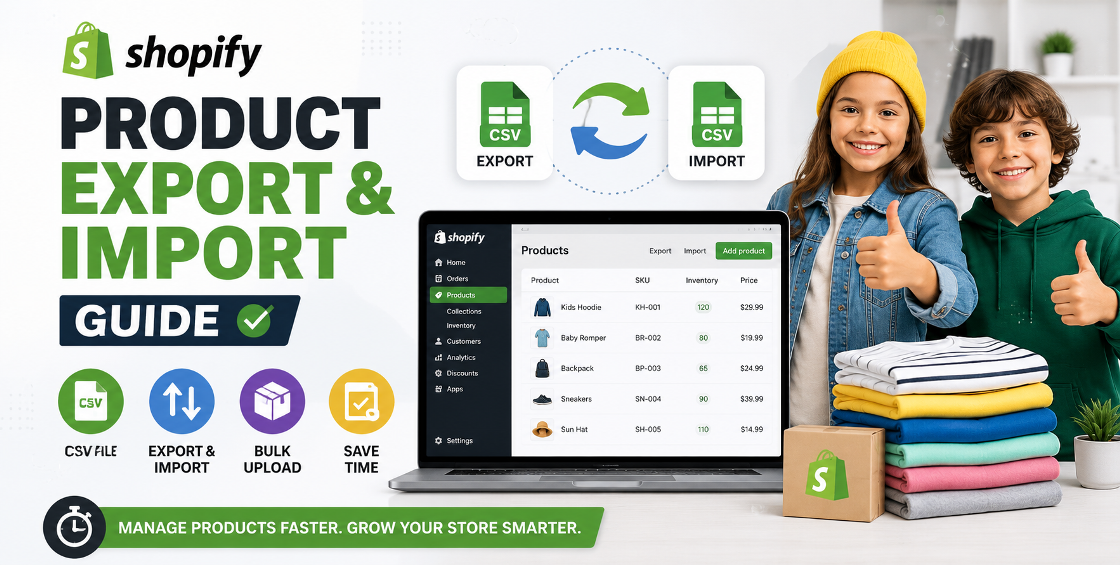
CSV imports save time.
Bad CSV files create chaos.
Real backend issues we often see:
Before import validate:
Even one misplaced comma can affect hundreds of products.
For larger stores, Shopify product upload services usually include CSV validation before importing.
Store owners upload beautiful images but forget performance.
Result: Slow pages.
And slow stores lose sales.
Optimize:
This helps SEO and improves image search visibility.
Apps are useful.
Too many apps create problems.
We’ve audited stores running 15–20 apps doing overlapping tasks.
Effects:
Install apps strategically.
Questions to ask:
Keep the stack lean.
Never upload the full catalog immediately.
Import 10–20 products first and check:
Then proceed.
Early inconsistency becomes expensive later.
Define:
Before scaling.
Large imports sometimes break storefront filtering.
Especially when tags differ:
Shopify treats these differently.
Standardization matters.
A successful Shopify launch isn’t about getting the store live quickly.
It’s about getting the structure right.
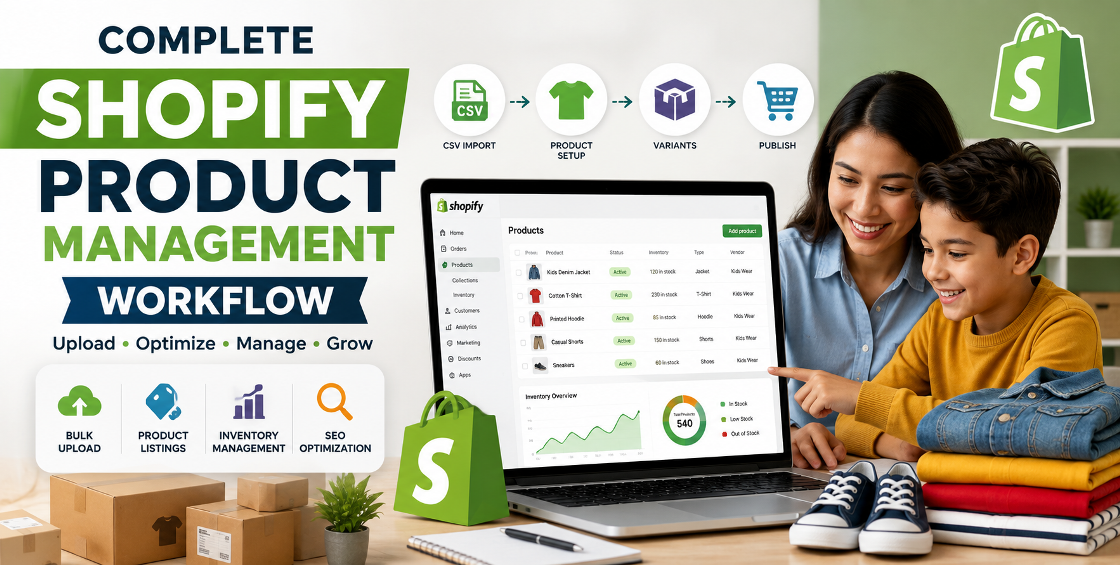
Product setup, CSV imports, variants, collections, SEO, shipping, and checkout testing all affect future growth.
Avoiding these setup mistakes early creates a cleaner backend, better customer experience, and fewer problems when scaling.


Our Trusted Clients
















Our goal is to help our companies maintain achieve best class positions their respective industries & our team works occur that pleasures have to be repudiated.

Copyright © MyShopifyExpert . All rights reserved.