




If you've ever logged into a Shopify store and struggled to find the right product, collection, image, or SKU, you're not alone.
One of the most common issues we see when taking over existing Shopify stores is poor data organization. Products are uploaded inconsistently, collections overlap, tags are scattered, and inventory becomes difficult to manage. What starts as a small catalog quickly turns into a backend nightmare as the business grows.
The reality is simple: a well-organized Shopify store is easier to manage, scales faster, improves team productivity, and creates a better shopping experience for customers.
Whether you're running a fashion brand, electronics store, beauty business, or multi-vendor marketplace, these Shopify store data organization tips will help you keep your store structured and efficient.
Many store owners focus heavily on design, advertising, and product sourcing while overlooking the backend structure.
However, organized store data affects:
As product catalogs grow from dozens to thousands of items, a clean structure becomes essential rather than optional.
One of the first things we review during Shopify store audits is product naming.
Poor examples:
Better examples:
A standardized naming convention helps with:
Create naming guidelines and ensure every team member follows them.
Many businesses underestimate the importance of SKU management until inventory issues start appearing.
A structured SKU system allows you to:
Example:
Instead of random SKU numbers, use logical identifiers that describe product type, color, and size.
Collections are one of Shopify's most powerful organizational tools.
Instead of creating dozens of overlapping categories, build a hierarchy customers can easily understand.
Well-structured collections improve navigation and support better merchandising.
Tags often become chaotic over time.
We've worked on stores where hundreds of tag variations existed for the same attribute:
This creates filtering problems and reporting inconsistencies.
Create a tagging guide covering:
Use one naming format only.
Consistency is everything.
Many merchants upload images named:
While customers never see these names directly, organized image files help your internal team work more efficiently.
Recommended format:
Additionally:
As stores grow, multiple people often handle product uploads.
Without documented processes, inconsistencies appear quickly.
Create an SOP covering:
This ensures every product follows the same structure regardless of who uploads it.
Variants are another area where organization often breaks down.
Instead of creating separate products for every size and color, use Shopify variants whenever possible.
Good Example:
Product:
Premium Cotton T-Shirt
Variants:
This keeps catalogs cleaner and improves the customer shopping experience.
During migrations and bulk imports, duplicate products frequently appear.
Common causes include:
Schedule quarterly audits to identify:
A cleaner catalog performs better operationally.
Many Shopify stores sell through:
Inconsistent product data across channels creates confusion and operational headaches.
Maintain consistency for:
Centralized management reduces errors significantly.
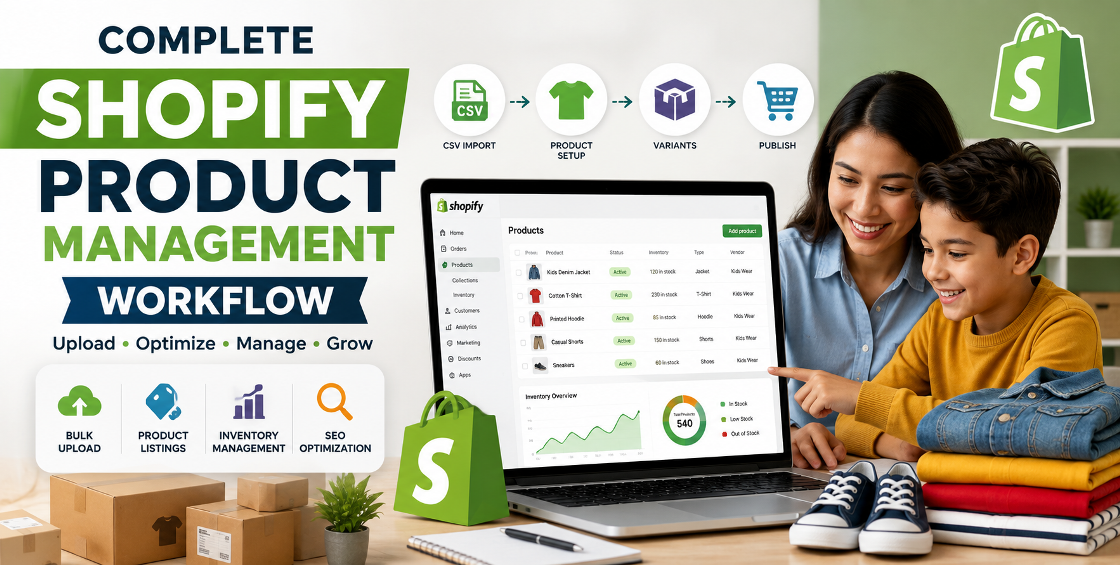
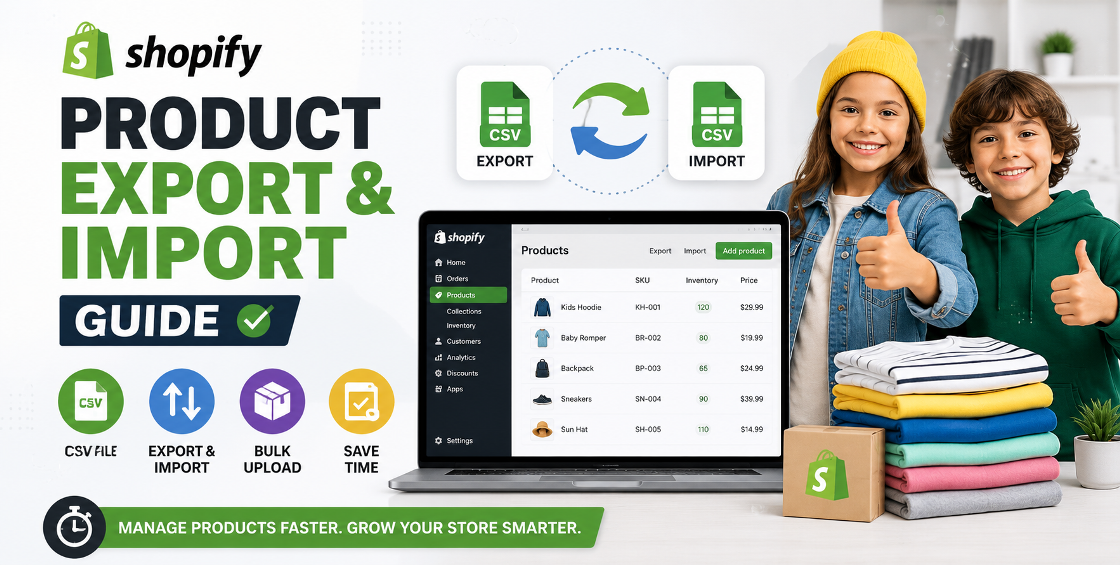
Bulk product imports can save countless hours, but poorly prepared CSV files often create bigger problems.
Some common issues we encounter include:
Products import incorrectly when variant columns are incomplete.
Products appear in the wrong collections.
Images fail to import properly.
Shopify rejects certain product entries.
Before importing:
A 10-minute review can prevent hours of cleanup.
After managing thousands of product uploads across multiple industries, we've noticed a pattern:
The stores that scale smoothly usually prioritize backend organization from day one.
A store with 100 products can survive messy data.
A store with 10,000 products cannot.
The most successful merchants treat product data as a business asset rather than an administrative task.
Simple standards for naming, tagging, collections, and inventory management often save hundreds of hours annually.
Random naming structures create confusion for customers and staff.
Hundreds of unnecessary tags make filtering difficult.
Poor inventory tracking becomes inevitable.
Overlapping categories hurt navigation.
Small errors compound over time.
Bulk import mistakes can affect hundreds of products instantly.
Good Shopify data organization isn't glamorous, but it's one of the most valuable investments you can make in your ecommerce operation.
A structured backend improves efficiency, reduces errors, simplifies scaling, and creates a better experience for both customers and staff.
Whether you're managing 50 products or 50,000, implementing clear organizational standards today will save significant time and frustration in the future.
The cleaner your Shopify data, the easier it becomes to grow your business confidently.


Our Trusted Clients
















Our goal is to help our companies maintain achieve best class positions their respective industries & our team works occur that pleasures have to be repudiated.

Copyright © MyShopifyExpert . All rights reserved.